
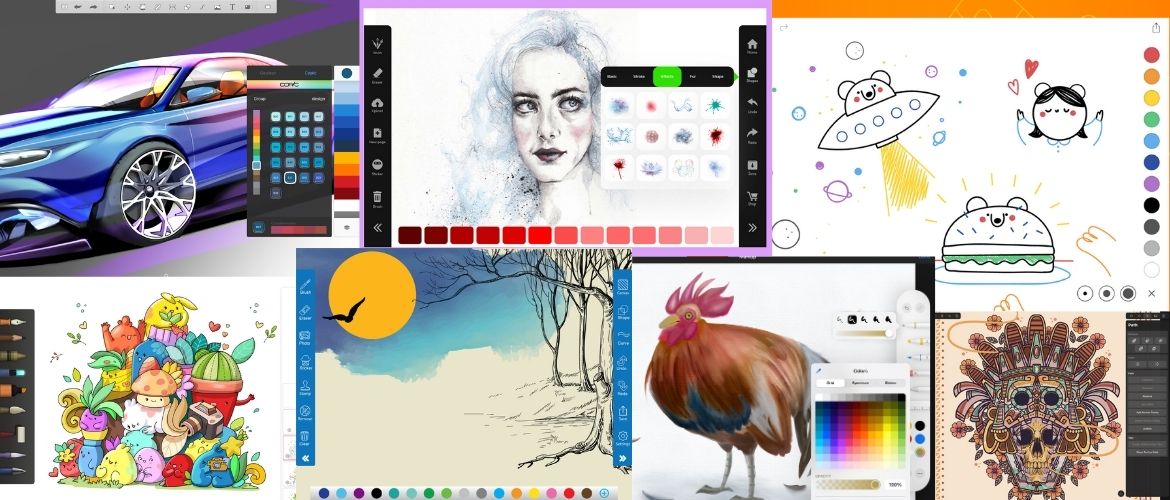
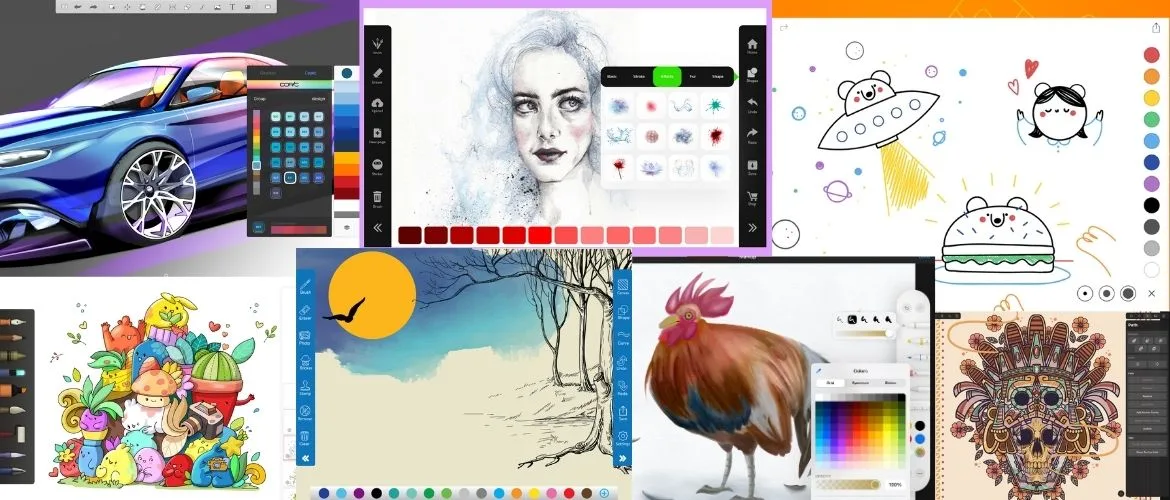
If you have the new iPad Pro, you might be wondering how you can start drawing immediately. While there are plenty of high-end drawing apps that come at a cost, there are many free drawing apps for iPad.
In the land of development, a cost does not mean quality.
Transversely, free does not mean a bad app.
You might be surprised by how many great free drawing apps for iPad there are.
Whether you are looking for a sketch app or a full notebook, the App Store is filled with opportunities.
You can draw for free. You can sketch for free. More importantly, you can download any free app to try.
There is never any harm in testing out an app to see if it is right for you.
This is the best way to find your dream tool for drawing.
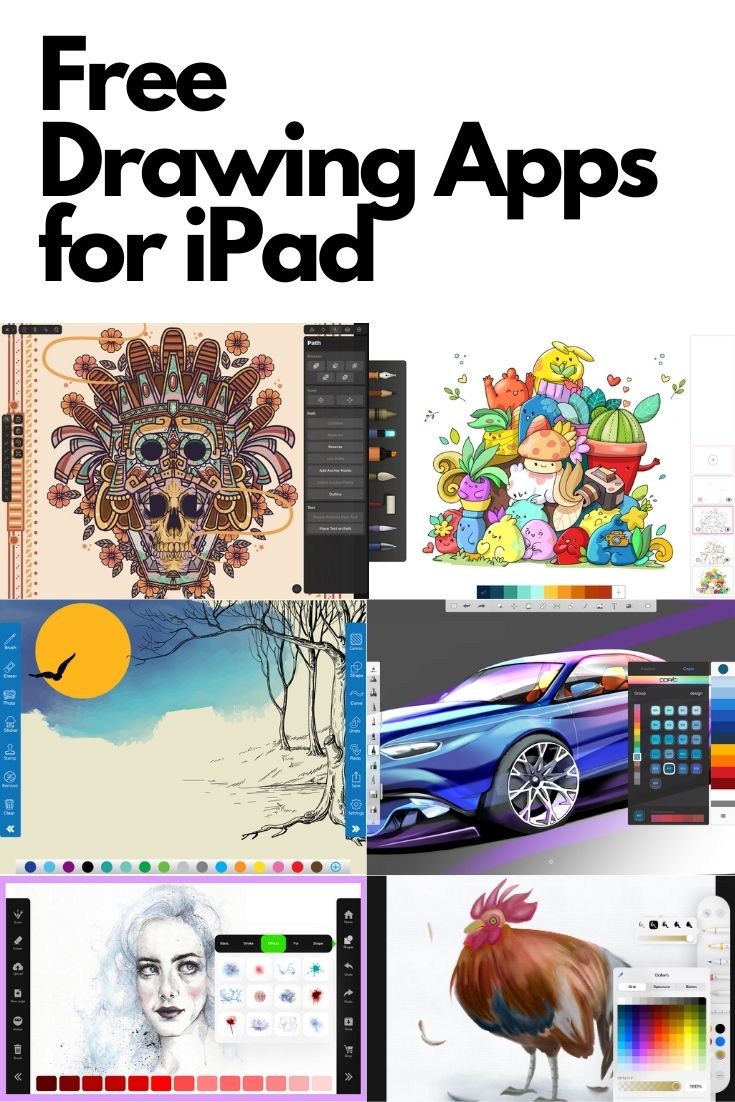
Fortunately, there are many iPad drawing apps, and in this article, you’ll discover the best free drawing app for iPad.
What About Procreate?
If you’ve spent more than five minutes researching iPad drawing apps, you’ve already run into Procreate. It’s the one professional illustrators, concept artists, and tattoo designers all seem to agree on — and for good reason. The brush engine is excellent, the canvas is smooth, and the workflow is built specifically for the iPad and Apple Pencil.
Procreate costs $12.99. It’s a one-time purchase — no subscription.
So why isn’t it on this list?
Because this list is for apps you can download right now for free, and there are genuinely great ones. More importantly, if you’re new to digital drawing on the iPad, starting with a free app is actually the smarter approach. You’ll learn how you work, which tools matter to you, and whether iPad drawing is something you’ll stick with — before spending a dollar. The iPad itself was probably already a significant investment.
If you already know you’re serious and you’ve been drawing digitally for a while, Procreate at $12.99 is worth it. It’s the app you graduate into.
The closest free equivalent on this list is Adobe Fresco. As of late 2024, Adobe removed all paywalls — it’s now entirely free with no subscription required. It has live brushes, full layer support, and pressure sensitivity with Apple Pencil. A lot of artists use Fresco as their starting point before deciding whether Procreate is worth the upgrade. I’d start there.
Free drawing apps for iPad without and with subscription
| App | Truly Free? | Subscription | Apple Pencil Pro | Best For |
|---|---|---|---|---|
| Sketchbook | Yes — 100% free | None | Yes | Sketching, concept art |
| Adobe Fresco | Yes — fully free (2024) | None required | Yes | Illustration, painting |
| MediBang Paint | Yes — all features free | Optional | Yes | Manga, comics |
| Linearity Curve | Yes — 100% free | None | Yes | Vector design |
| ibis Paint X | Yes (with ads) | $8.99/mo removes ads | Yes | Manga, anime, comics |
| Infinite Painter | Yes (limited) | $5.99/mo full | Yes | Painting, illustration |
| Tayasui Sketches | Yes (limited) | $5.99/mo full | Yes | Sketching, painting |
| Paper by WeTransfer | Yes (limited) | $11.99/mo full | Yes | Sketching, notebooks |
| Concepts | Yes (limited) | $4.99/mo full | Yes | Vector design, notes |
| Flow by Moleskine | Yes (limited) | $3.99/mo full | Yes | Sketching, journaling |
If you have a Windows PC or Surface Pro, here are some great drawing apps for Windows 10.
ibis Paint X
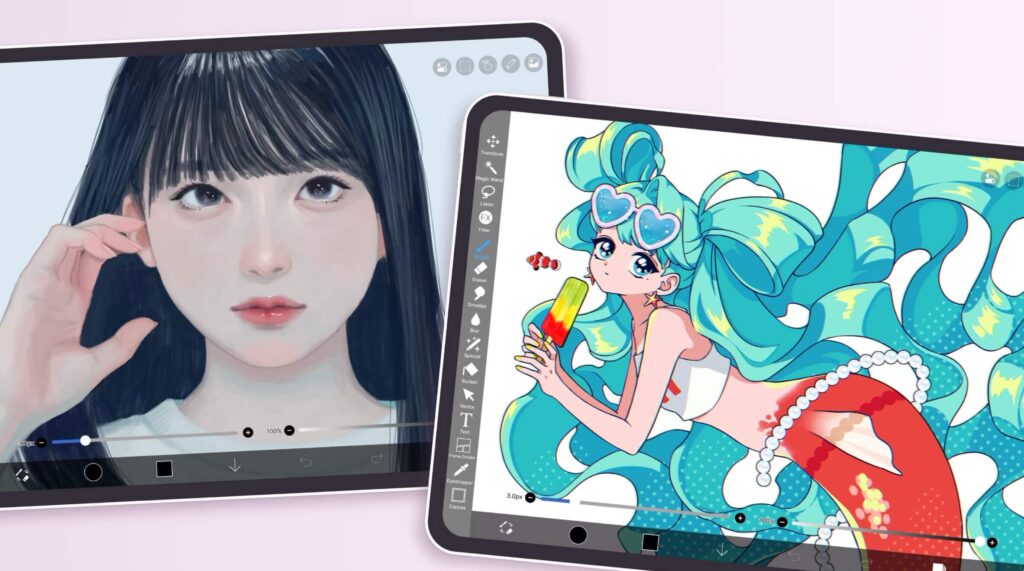
ibis Paint X is one of the most popular free drawing apps in the world, with over 400 million downloads. It was built from the ground up for illustration and manga art on mobile, and the iPad version is the most capable free option for comic and anime-style artists.
The free version includes all brushes and drawing tools — you only see ads. A paid plan removes ads and unlocks a handful of extra brushes, but the vast majority of users never need to upgrade.
Key features:
- 10,000+ brushes (all free)
- Manga panel templates and speech bubble tools
- Screentone and material library for comic shading
- Layer support with blend modes
- Automatic time-lapse video of your drawing process
- Supports Apple Pencil Pro (pressure, tilt, barrel roll, squeeze)
Price: Free (with ads). Premium removes ads: $8.99/month or a one-time purchase.
Best for: Manga, anime illustration, comics, fanart
Get ibis Paint X on the App Store
MediBang Paint
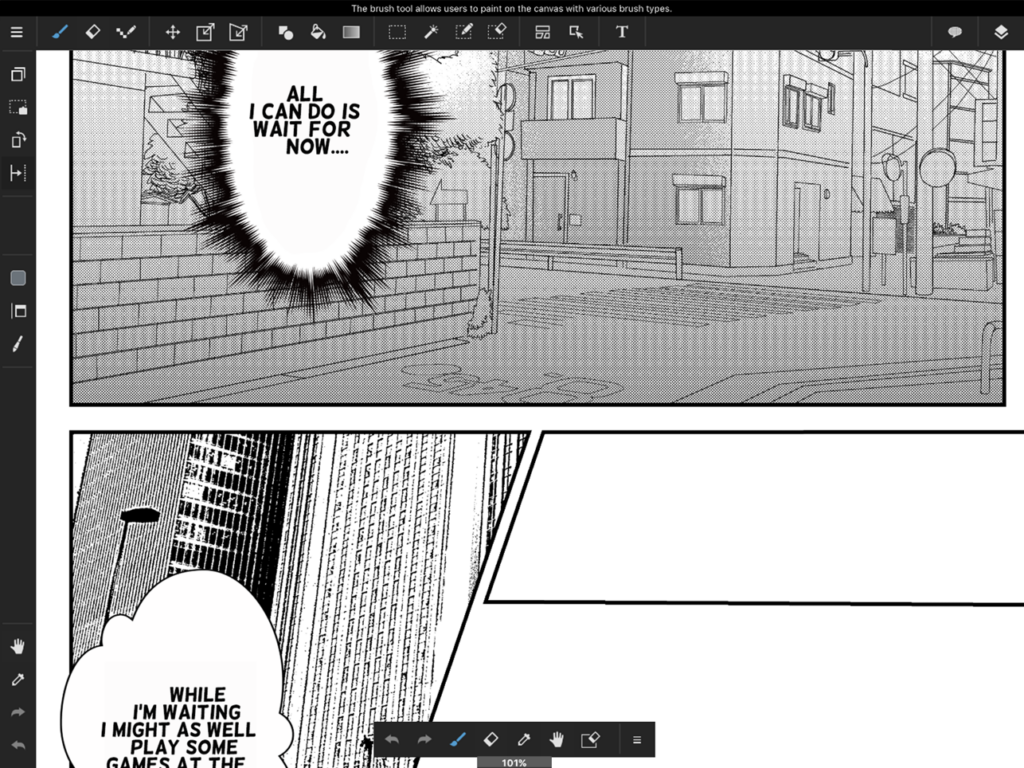
MediBang Paint is one of the few drawing apps that is genuinely, completely free — no subscription, no locked features, no paywalls. It was built specifically for manga and comic artists and includes professional-grade panel creation tools that most paid apps charge for.
A standout feature is its cloud sync, which lets you work on the same file across iPad, iPhone, Mac, PC, and Android — all for free.
Key features:
- Completely free — no subscription or in-app purchases required
- 800+ screentones for manga shading
- Panel creation tools, speech bubbles, and rulers for perspective
- 50+ cloud-synced brushes
- Real-time collaboration with other artists
- Compatible with Apple Pencil Pro
- Cross-platform: iPad, iPhone, Android, Mac, Windows
Price: 100% free.
Best for: Manga, comics, webtoons, collaborative drawing
Get MediBang Paint on the App Store
Infinite Painter
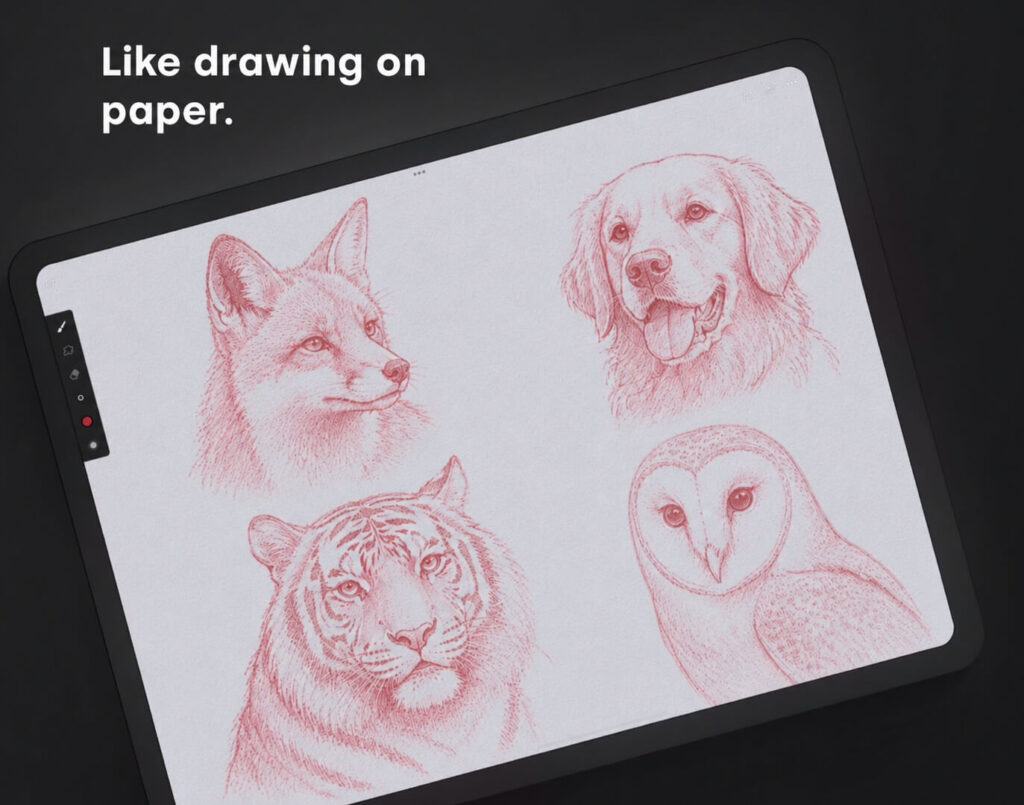
Infinite Painter consistently ranks as one of the most natural-feeling painting apps for iPad, praised especially for how well it mimics real media. What sets it apart from other free apps are its built-in drawing guides — perspective grids, symmetry tools, and isometric grids — which are especially useful if you’re learning to draw.
The free version includes 160+ brushes and full access to the core painting interface.
Key features:
- 160+ brushes with realistic paint textures
- Perspective guides, symmetry, and isometric grid built in
- Supports Apple Pencil Pro pressure sensitivity and tilt
- Layer support with professional blend modes
- Smudge and blend tools for painterly effects
- Streamlined interface designed specifically for iPad
Price: Free (core features). Subscription (~$5.99/month) unlocks additional brushes and advanced features.
Best for: Concept art, digital painting, illustration, landscape art
Get Infinite Painter on the App Store
Paper by WeTransfer
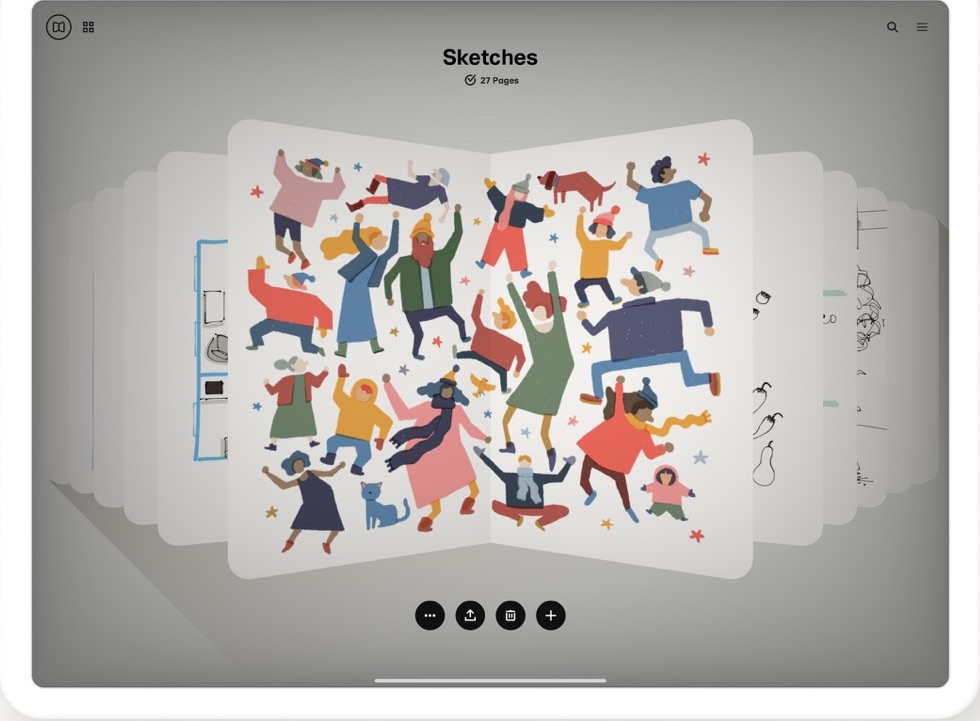
This is one of the best free drawing apps for iPad for artists who like to organize.
In addition to a full artist suite, you can enjoy notebooks to separate your art.
The app itself makes it easy to organize your collections with custom notebooks that allow for cover options.
It also has a beautiful and incredibly user-friendly interface that makes drawing simple.
Having something to organize your drawings or organize your art supplies is one of the best ways to easily start creating your future masterpiece.
The system itself comes with some great tools for getting down your next sketch idea.
It also offers a pro version with even more tools for those who are interested.
The interface is easy to use and will have you drawing in your favorite digital notebook in no time.
You can even publish your drawings in the app!
Flow By Moleskine
Moleskine is renowned for its incredibly famous notebooks.
They are the people who make the snazzy-looking notebooks and sketchbooks that people love.
They have decided to take their iconic notebook digital with this app.
This app is the product of a lot of love and a ton of research, and it shows.
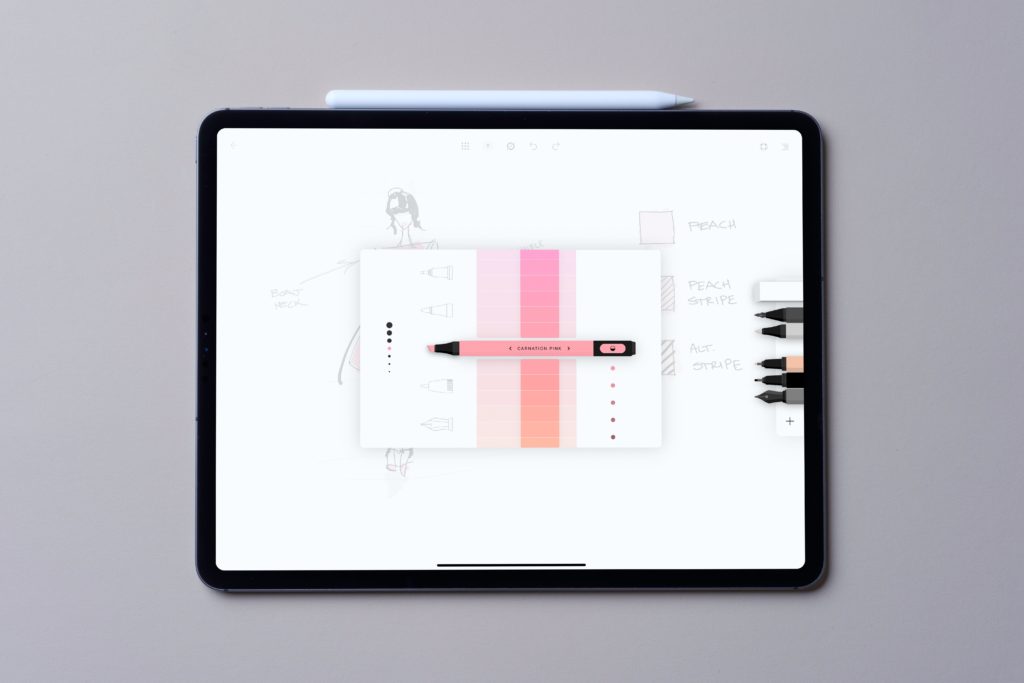
This app offers a wide array of tools and color options clearly making it one of the best free drawing apps for iPad.
This makes it ideal whether you’re taking notes or drawing a masterpiece.
This app set out to combine a beautiful UI with awesome functionality, and it succeeded.
Sketchbook
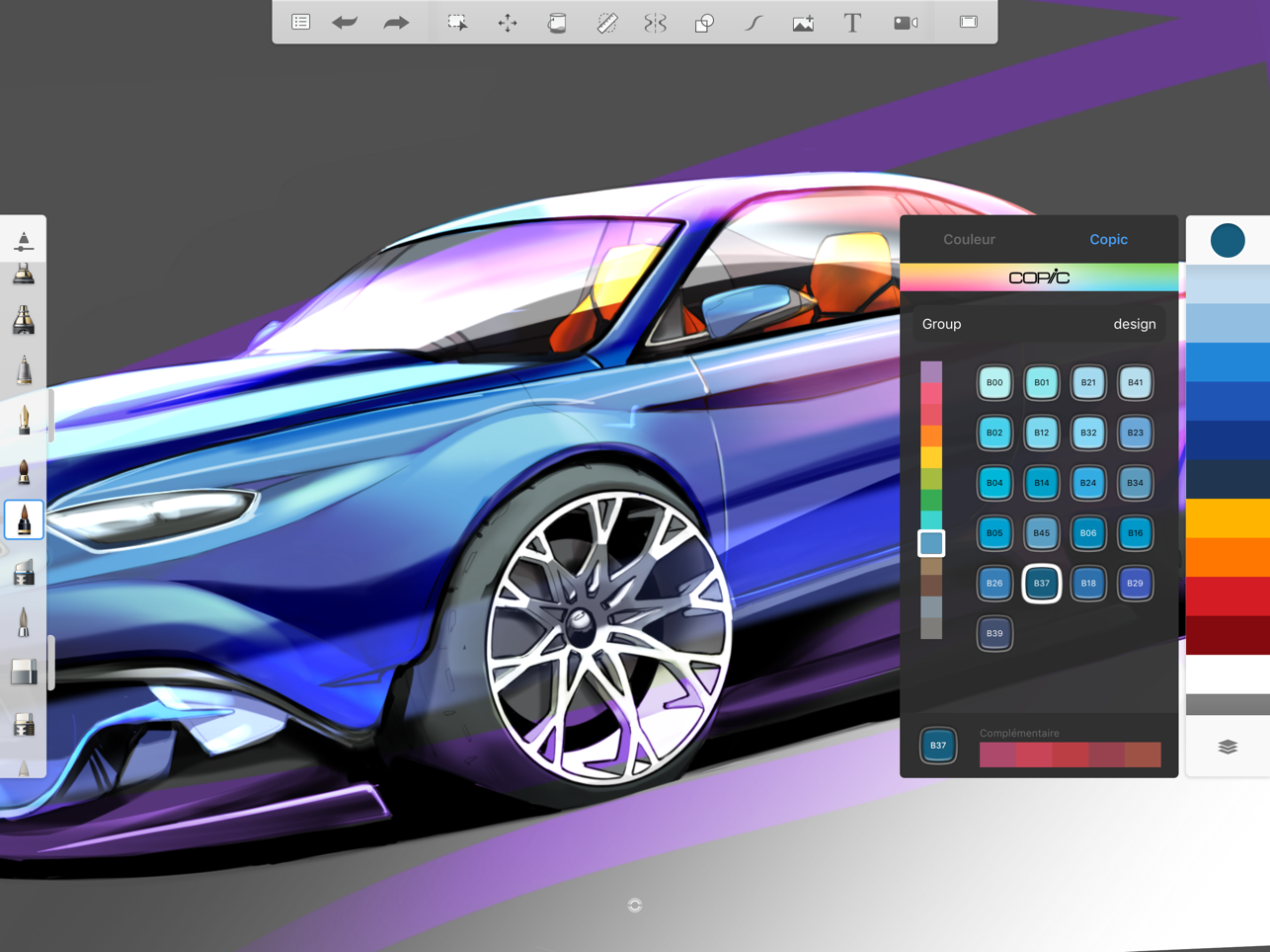
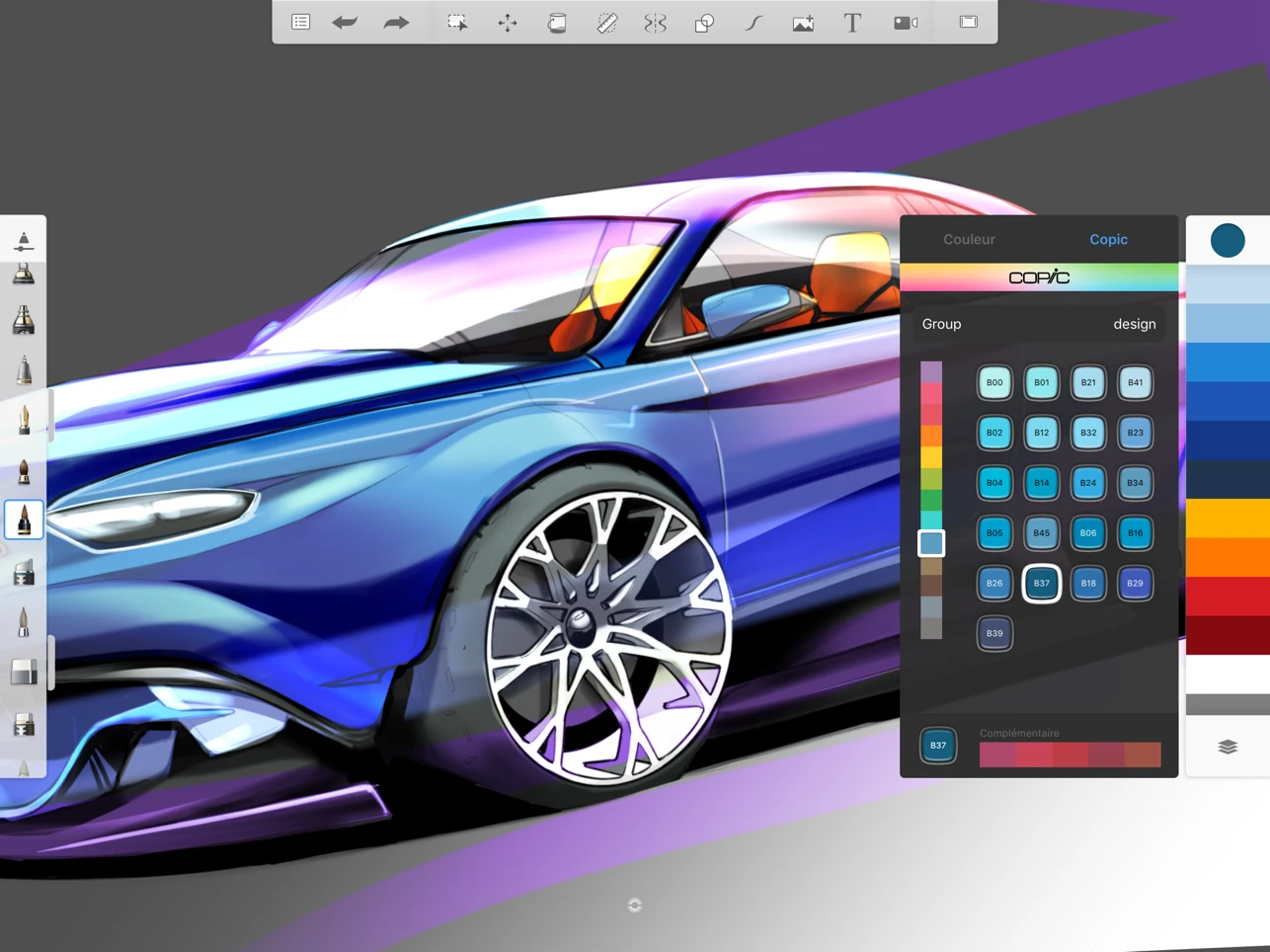
This app is notable for going free. Yes, previously this was an app you would need to pay for.
Now, however, it is free for all users. If you are looking for an incredibly powerful drawing app, this is what you want.
Online, you can find countless videos on how to use the amazing tools in this drawing app.
When you open this app, you will know it is a cut above the rest.
It offers a wide range of tools and a completely open-color selector.
You can enjoy working on complex projects.
The app is proud to show off its more beautiful creations.
For digital artists, this is a must-have before spending any money.
If you’re interested in drawing, check out our other drawing-related content:
- Over 80 Sketchbook Ideas to Make Your Drawings Interesting
- 7 Cheap Drawing Tablets with Screens Under $200
- How to Draw Hair: A Guide to All You Need to Know
- 20+ Illustrators Share Their Biggest Mistakes in Illustration
- 34 Procreate Artists Speak Out: “One Procreate Tip I Wish I Knew Before Using It”
- Top 10 Free Drawing Books
- 20 Sketching Ideas You Can Actually Do
- 18 Must-Know Procreate Tips for Beginners
- 581+ Free Procreate Brushes [ALL FREE & Updated 2021]
- How to Use the Procreate Animation Tool
Archisketch
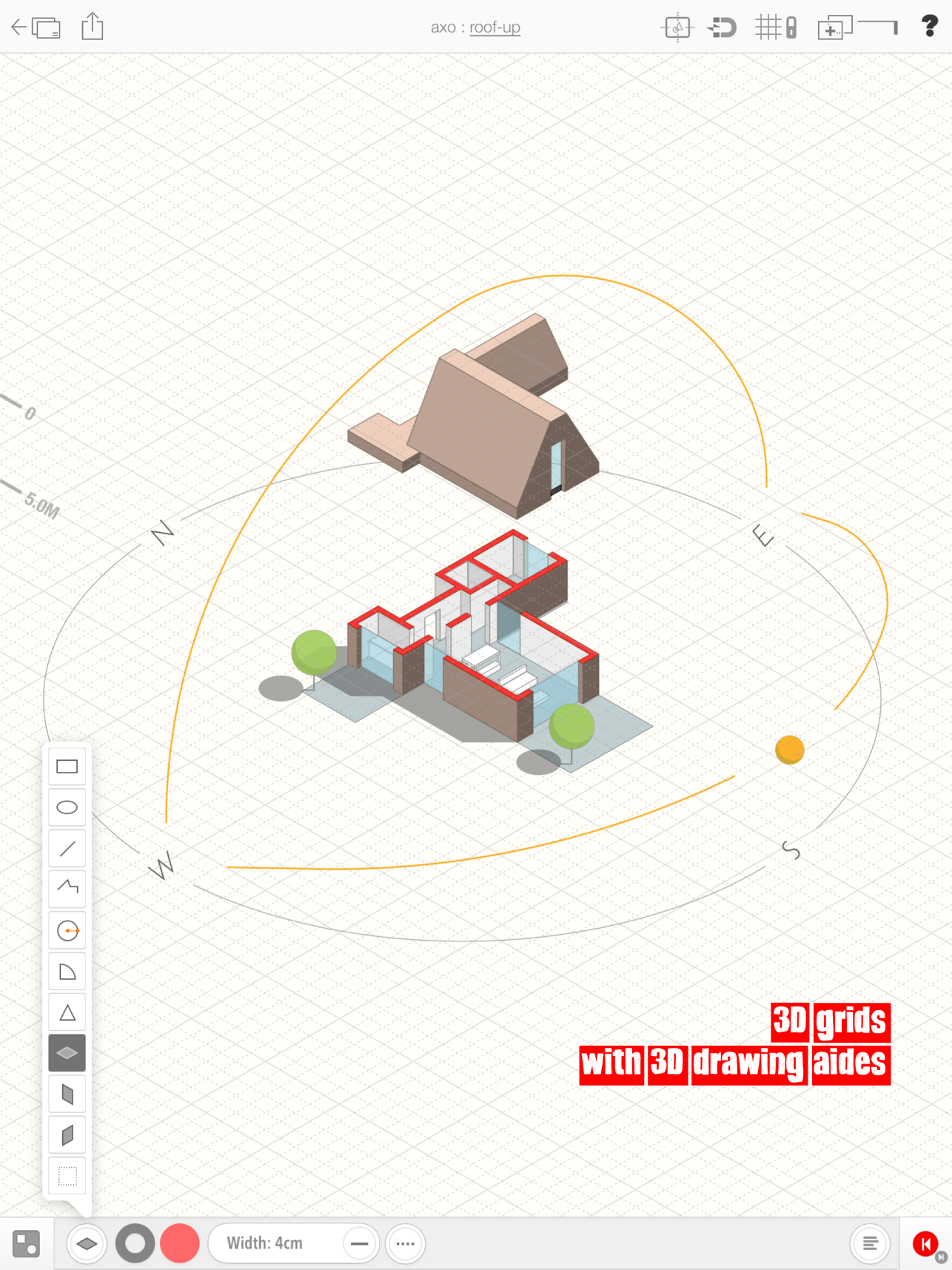
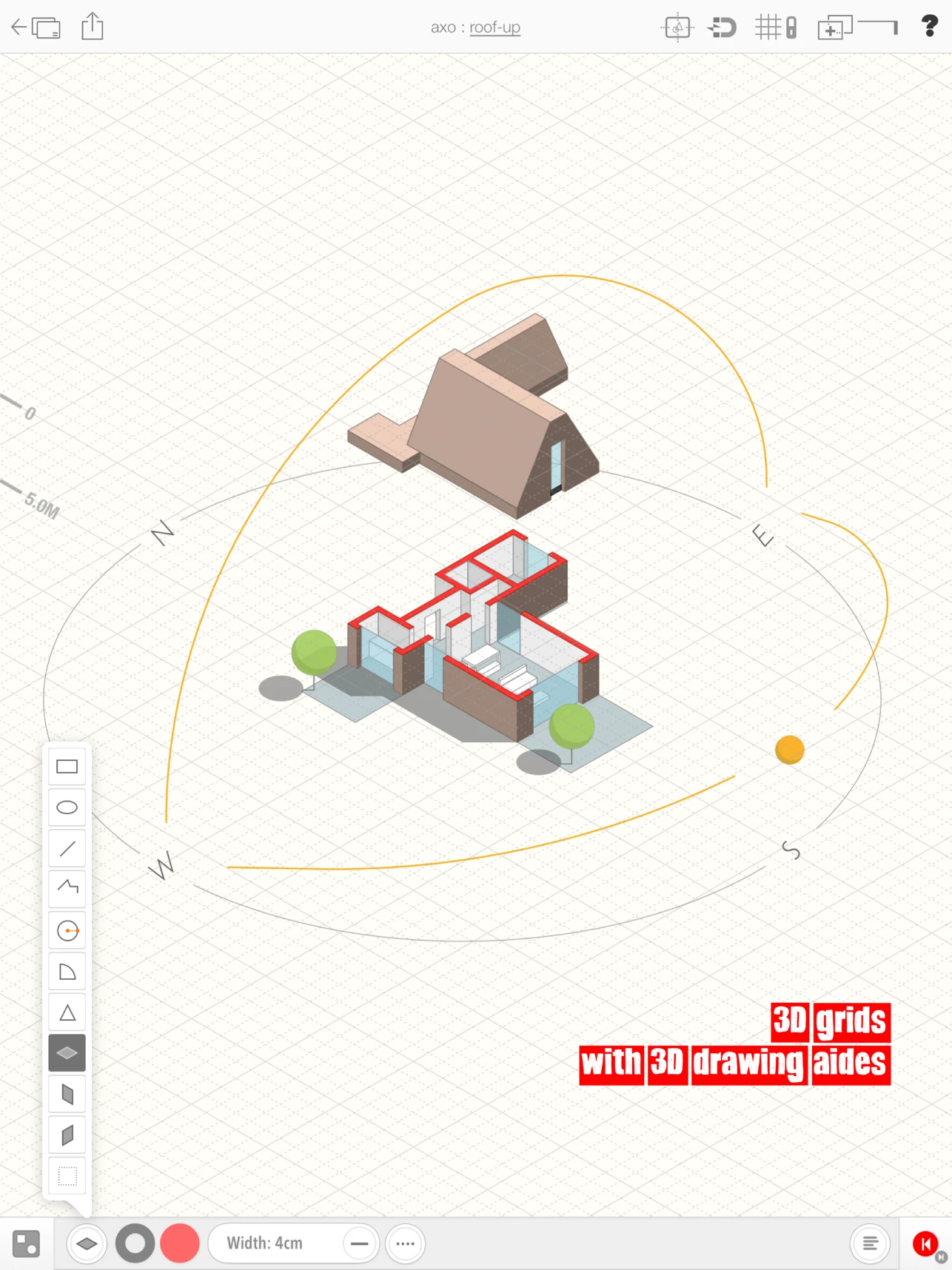
If you are looking for a more specialized design app, Archisketch is for you.
This app lets you draw in a more professional capacity.
It is ideal for sketching architecture and various other design options.
You can easily move, scale, and rotate any image.
This makes it ideal for more complex technical drawings.
This app lets you create in 3D, which can bring your art to the next level.
Like all good drawing apps, it allows for layers.
This means that you can alter your drawings safely without being impacted by changes.
If you have design in mind, this might be what you are waiting for.
Tayasui Sketches
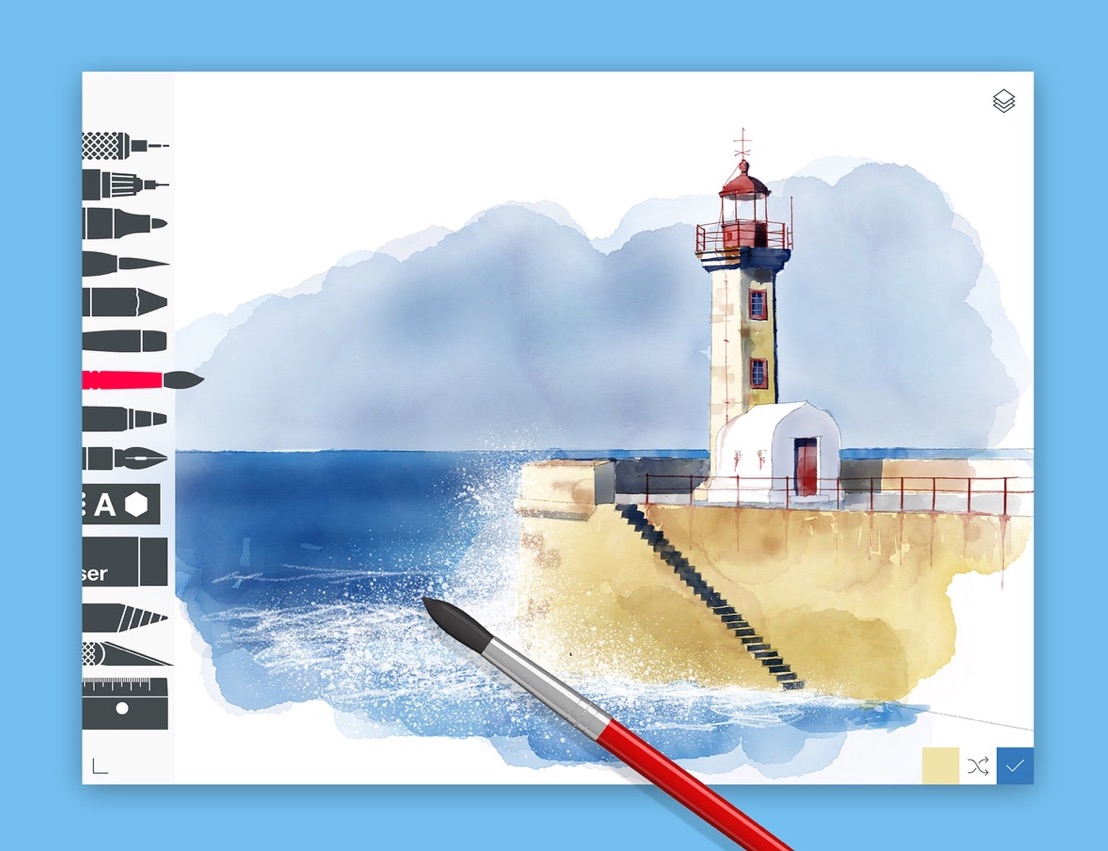
For a creative and one of the best drawing apps for iPad with the Apple Pencil in mind, fans love Tayasui Sketches.
This free drawing app for iPad offers a ton of fun features for the vibrant artist.
You can enjoy access to over twenty tools.
They were designed with great art as a focus, and act like the real deal.
With this, you can easily organize your drawings into folders to match your preferences.
This app provides full pressure sensitivity support.
This means that the tools respond to your weight and touch.
You can capitalize on this by using layers and great color matching tools.
This is one of the best free iPad drawing app that is fun and delivers on your needs.
Linearity Curve
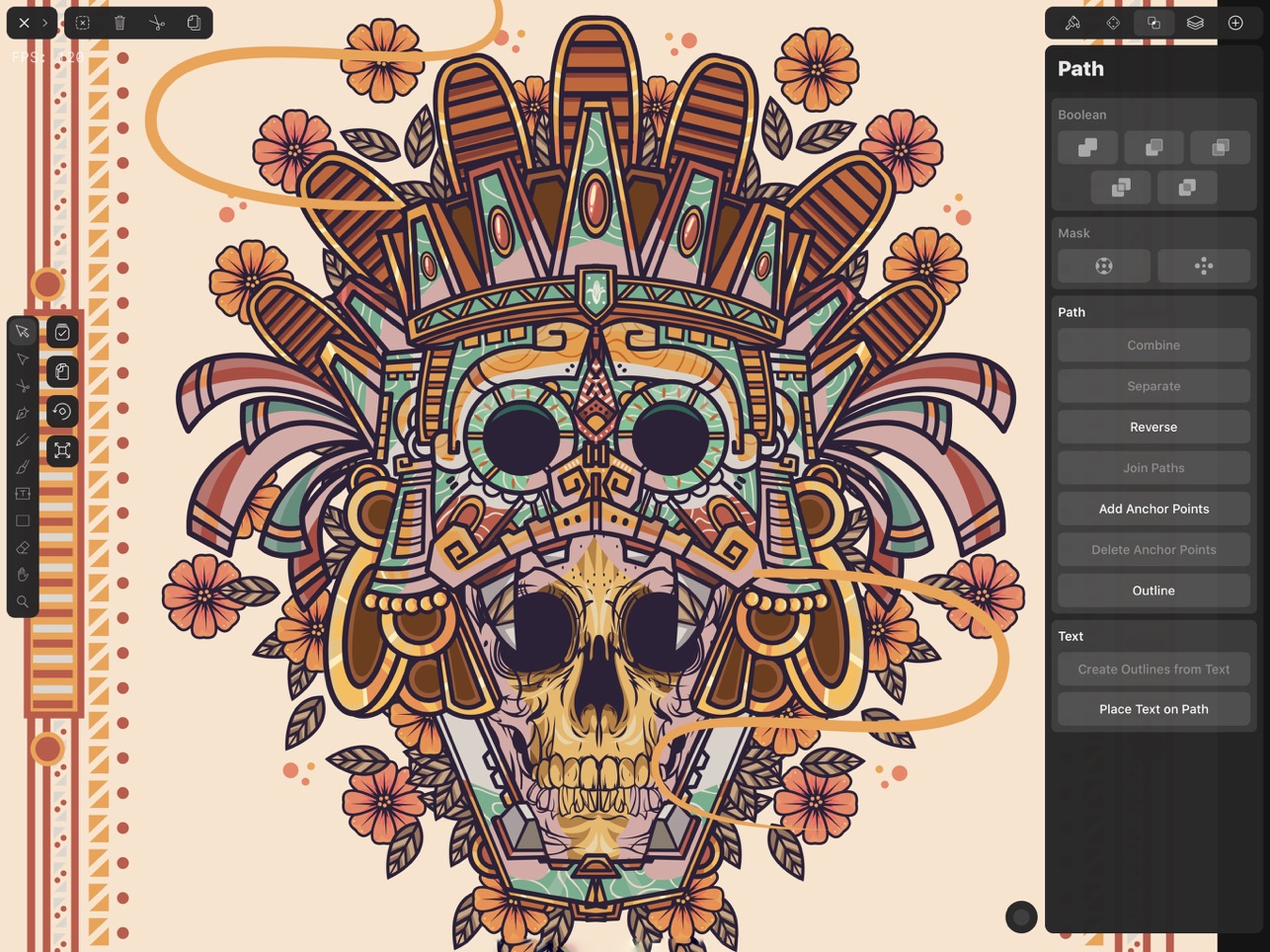
This program touts itself as an advanced vector design tool.
With this, you can enjoy a full desktop interface.
It will help you to create beautiful vector designs with all of the functionality you might need.
This app has been used to create many beautiful designs with vibrant colors and precise tools.
Whether you are making logos or marketing materials, they have you covered.
This full-service graphic design app is ready to carry your drawings forward.
Folioscope
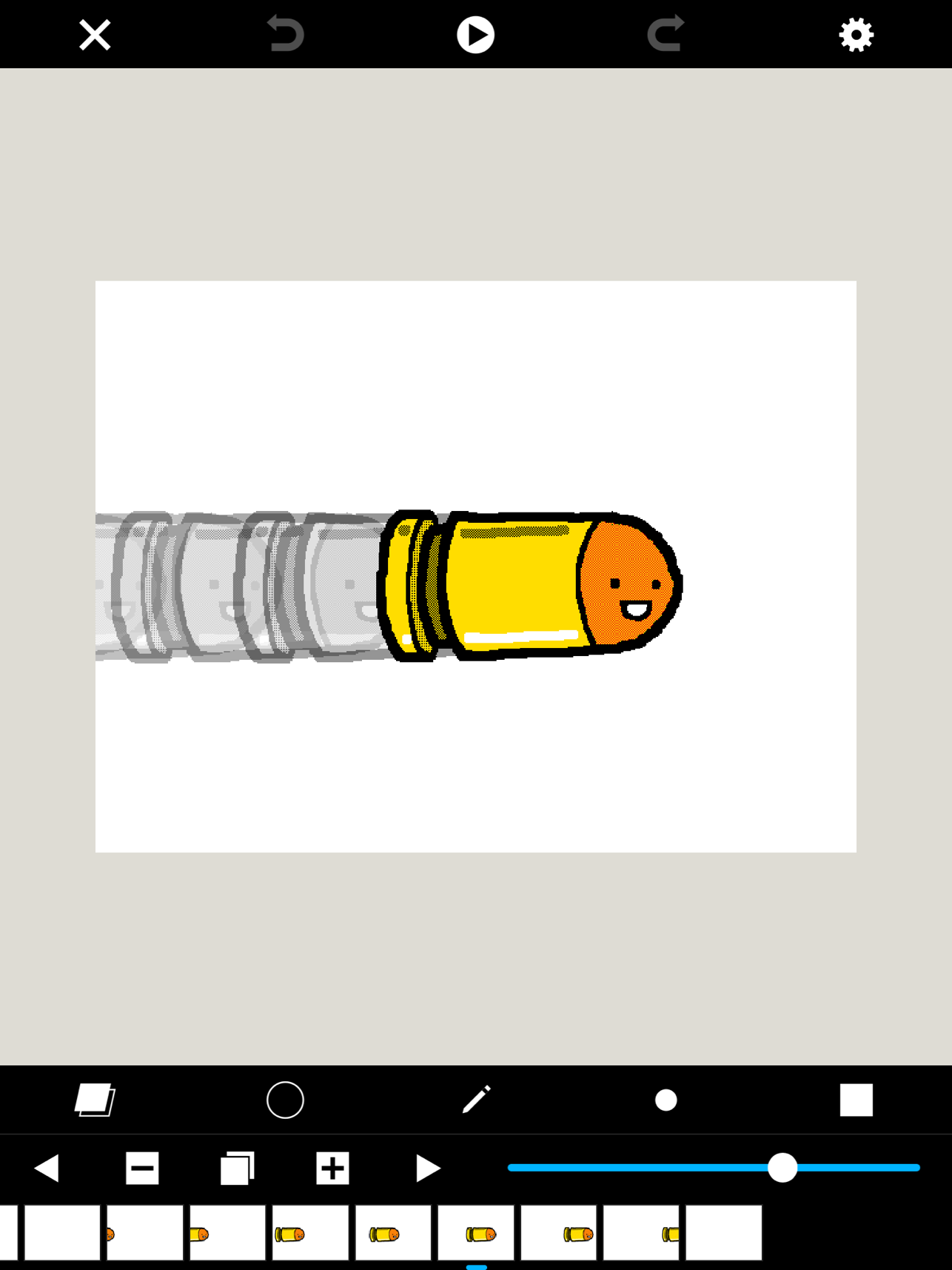
This app was designed with creativity as a focus. Folioscope was created to work with your finger.
This means that they want you to have fun making art, and they deliver.
Though you can use your Apple Pencil, this app lets you draw easily without one.
Of course, the big selling point is the animations.
This app is designed to take your basic drawings and turn them into animations.
This means that you can make easy shorts on your iPad Pro in no time.
With a focus on fun, you can enjoy making just about anything.
Drawing Desk: Draw & Paint Art
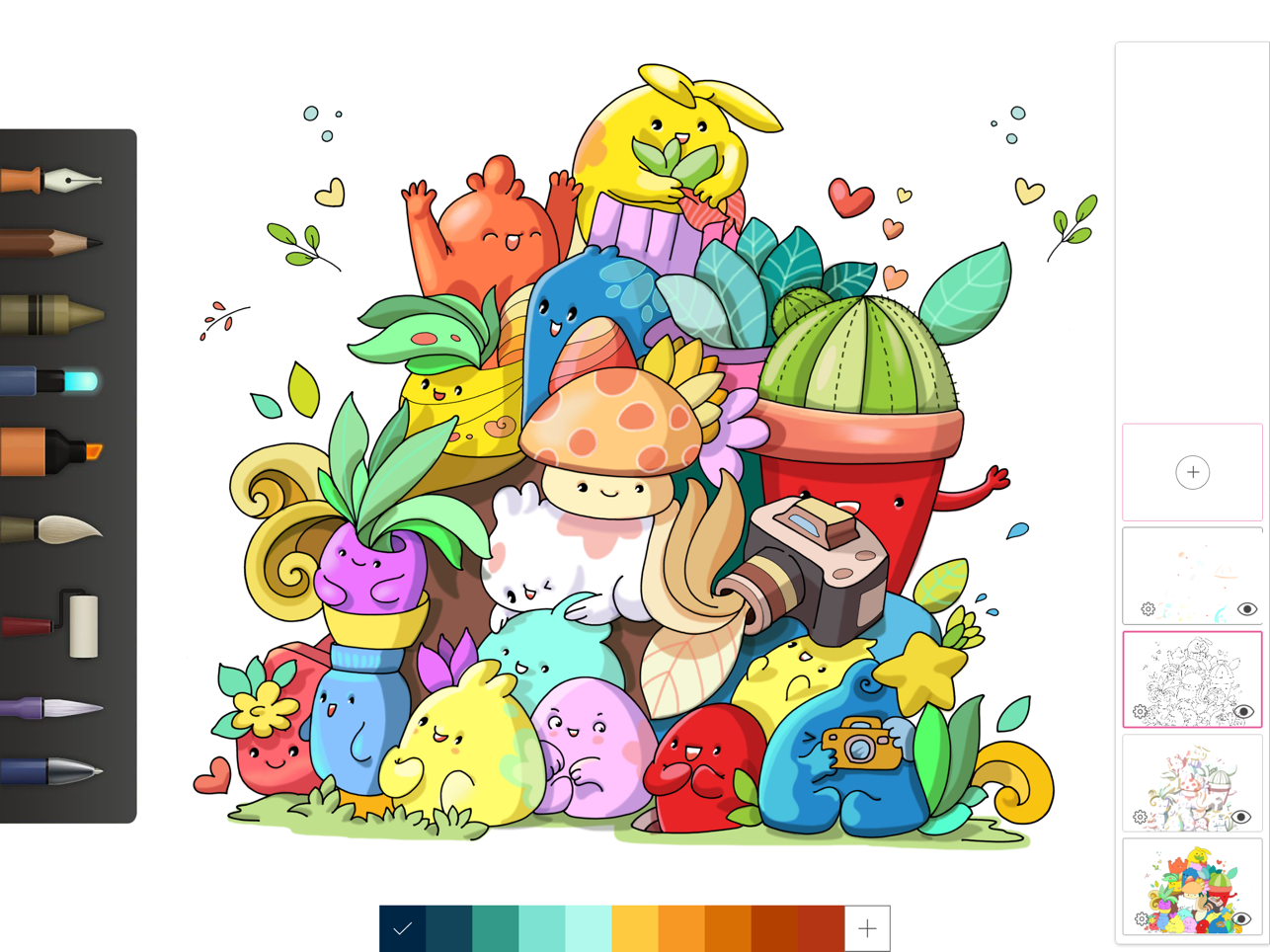
This exciting drawing app offers a collection of different utensils for you to create.
You can enjoy a complex drawing experience using all kinds of shapes and tools.
They offer support for both Apple Pencil and thirty party styluses.
For an artist who is looking for more without the price tag, this fun suite is a great fit.
Adobe Fresco
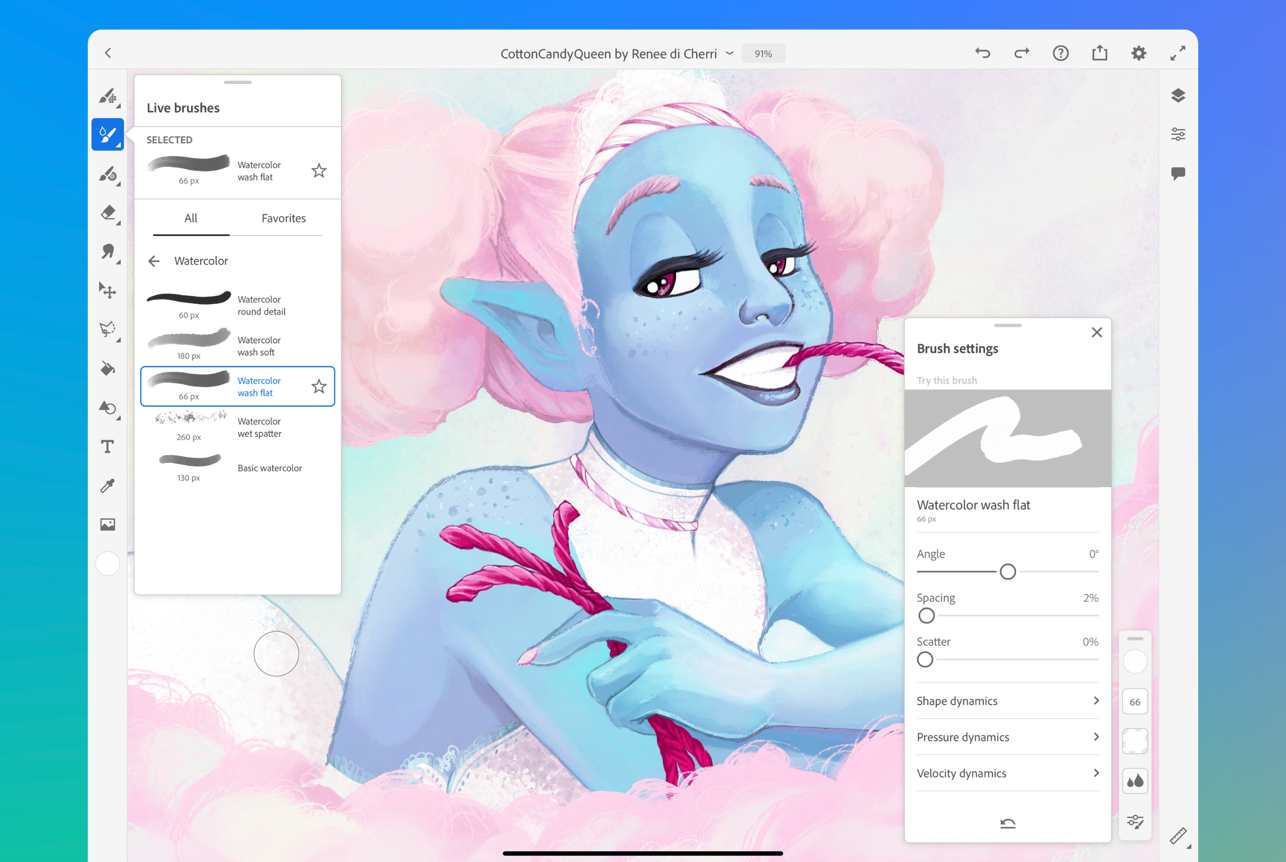
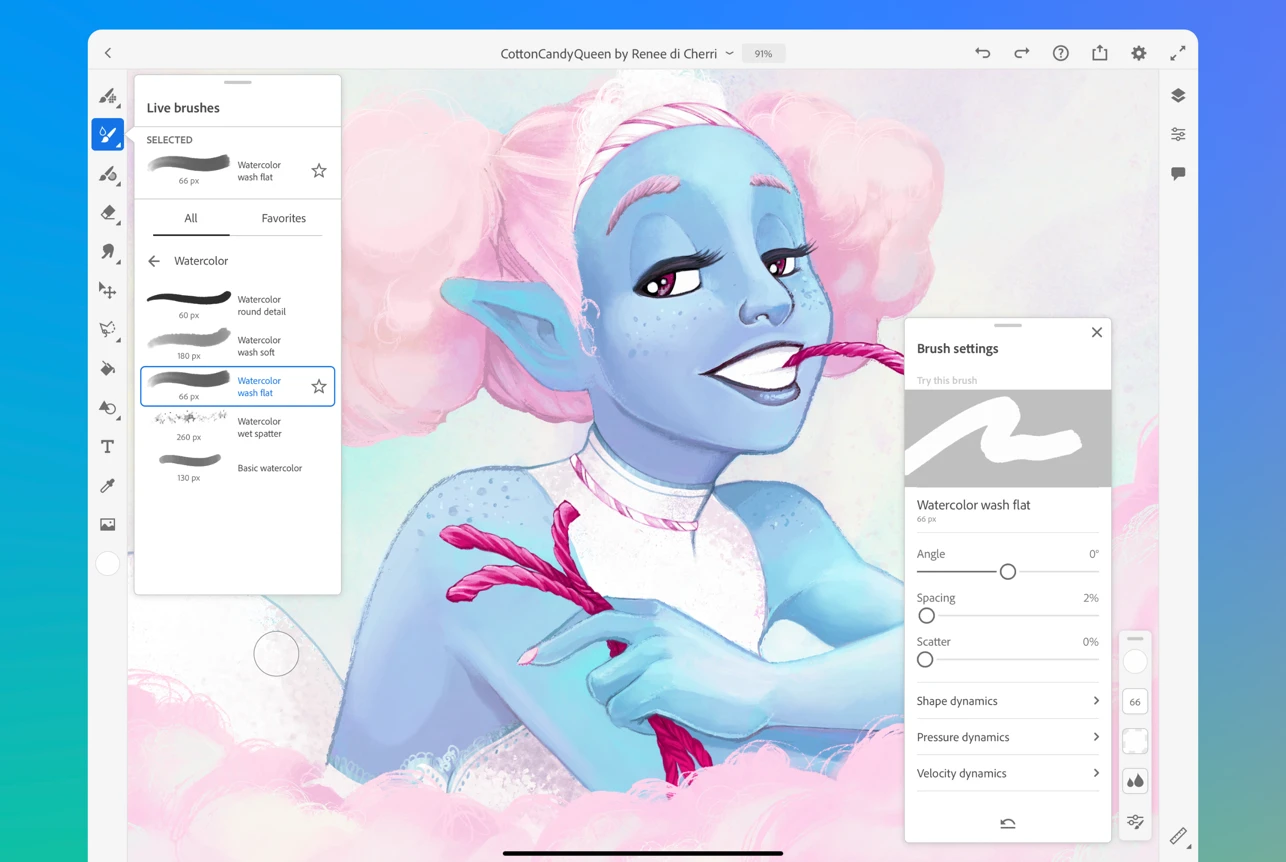
Adobe Fresco went 100% free in 2024 — every feature that was once locked behind a Creative Cloud subscription is now available at no cost. You only need a free Adobe account to get started.
If you’ve been avoiding Fresco because of the old paywall, now is the time to try it. Many users consider it the best free drawing app available on iPad today, and it’s the closest free alternative to Procreate.
Fresco’s signature feature is its Live Brushes — oil and watercolor brushes that blend, spread, and dry the way real paint does. Combined with a full set of Photoshop pixel brushes and vector tools, it covers more ground than almost any other free app.
Key features:
- 100% free — no Creative Cloud subscription required (free Adobe account needed)
- Live Brushes: oil and watercolor that behave like real paint
- 50+ Photoshop brushes + vector tools in one app
- Unlimited layers and layer groups
- Masking, selections, and blend modes
- Automatic time-lapse recording of your artwork
- Supports Apple Pencil Pro (pressure, tilt, barrel roll, squeeze)
- Syncs with Adobe Creative Cloud for desktop editing
- Export to PSD, PNG, JPEG, PDF
Price: Free (with free Adobe account).
Best for: Illustration, concept art, traditional-style painting, beginners coming from Photoshop
Get Adobe Fresco on the App Store
Heavy Paint
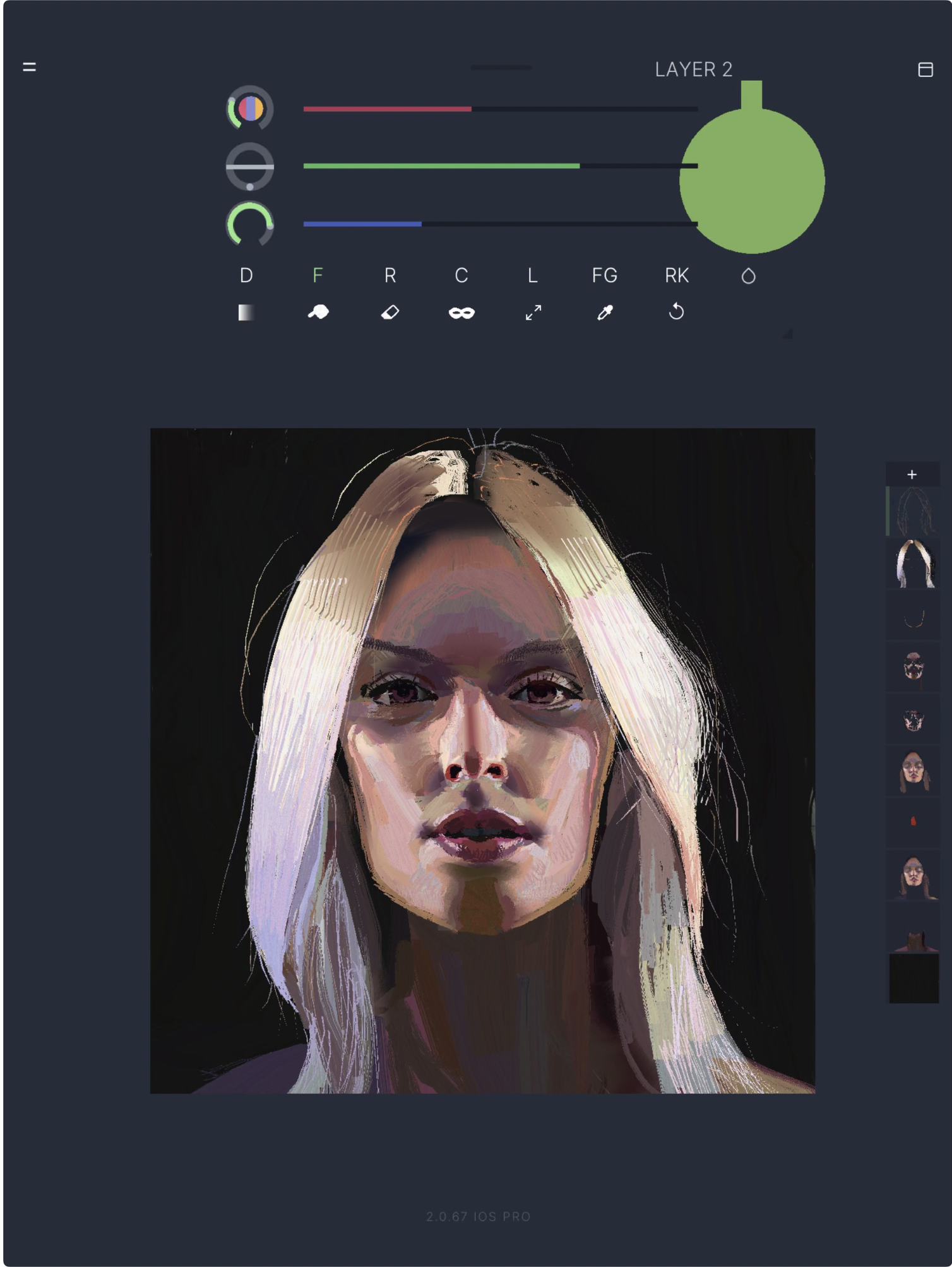
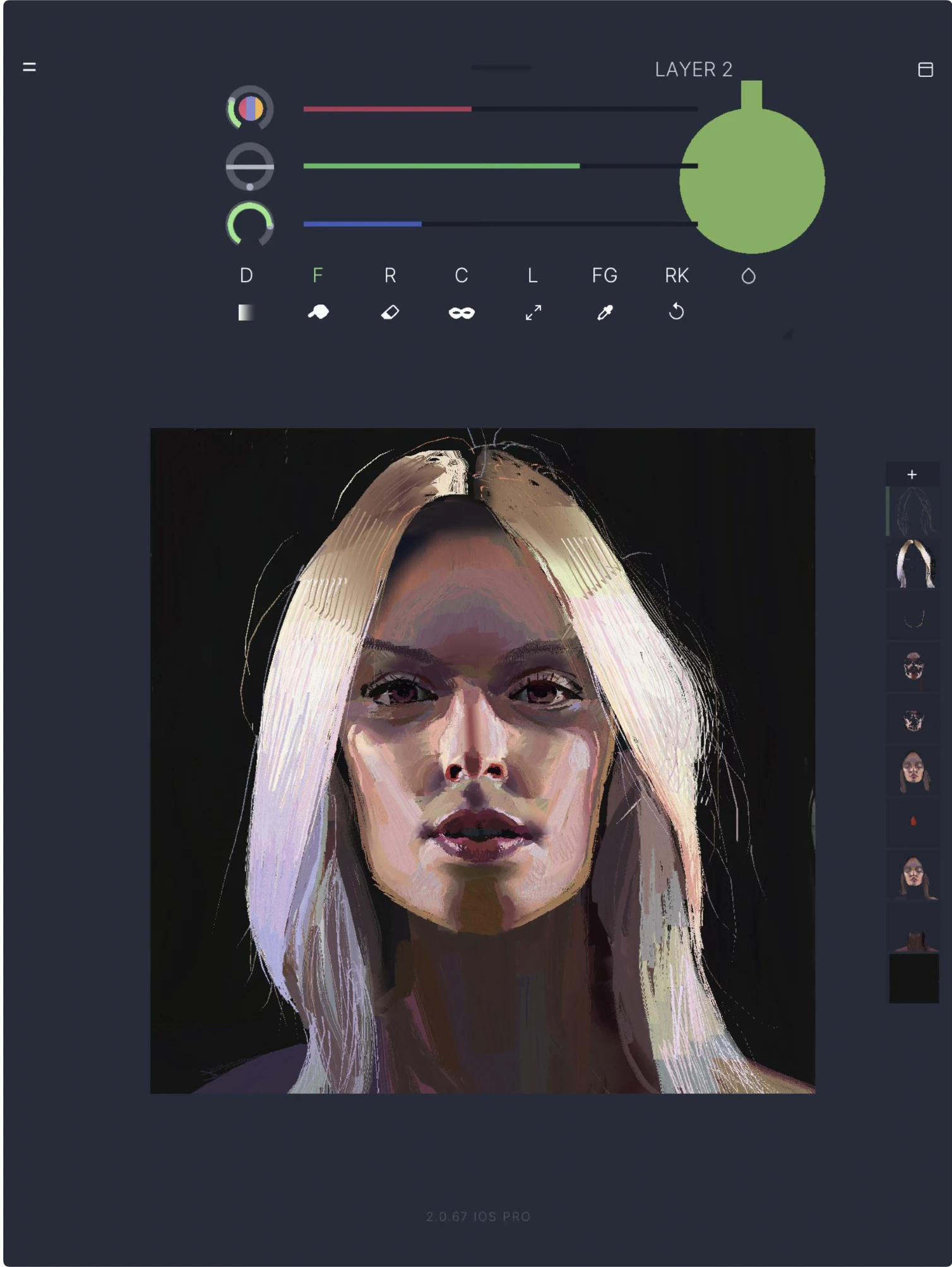
Heavy Paint prides itself on being a simple yet powerful painting app.
As a user, you’ll be able to focus on the absolute necessities when painting; for example, the colors and shapes all within a streamlined interface.
It has elegant tools, a clean interface, and speed allowing you to create masterpieces without being overwhelmed by the tool itself.
Heavy paint gives you a traditional painting feel but also has some cool tools to play around with.
Hello Watercolor
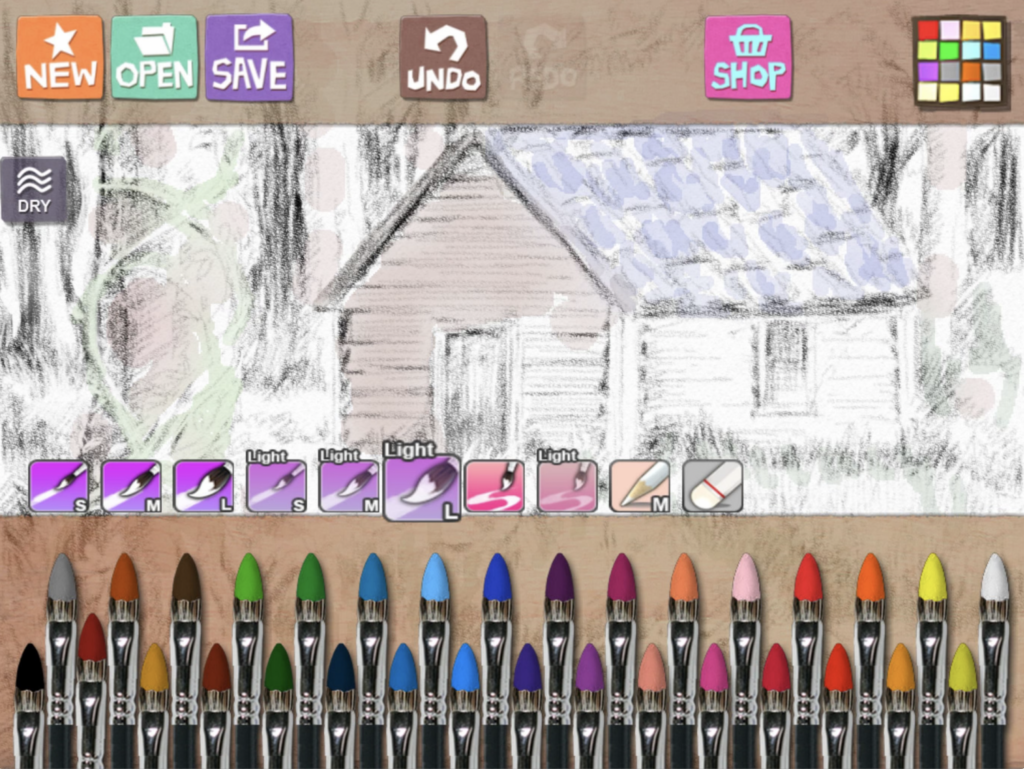
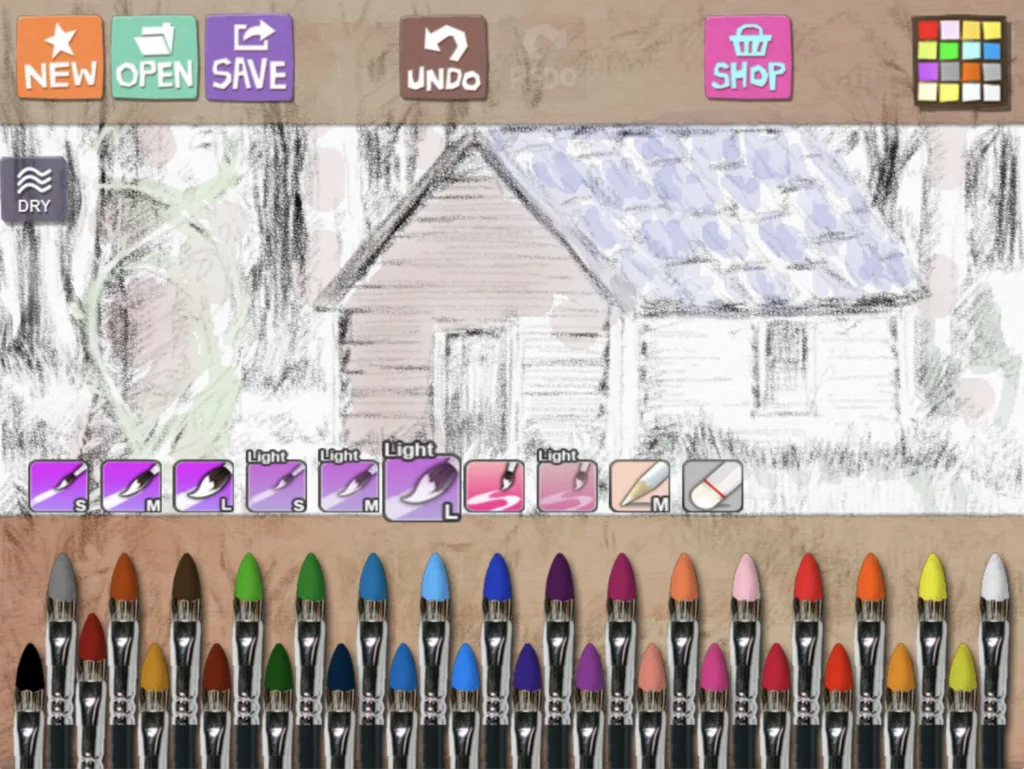
Looking for a realistic watercolor painting app?
Then Hello Watercolor is a great choice!
It uses water-soluable pigments to get “wet-in-wet”, “wet-in-dry”, “dry brush”, and “dry on wet” watercolor techniques.
It features:
- Brushes that create realistic watercolors
- Pencils
- The “dry button” that allows you to quickly dry watercolors on the paper
- Free Coloring Books
The blending and “dry button” will surely have you loving the real watercolor effects.
Amadine
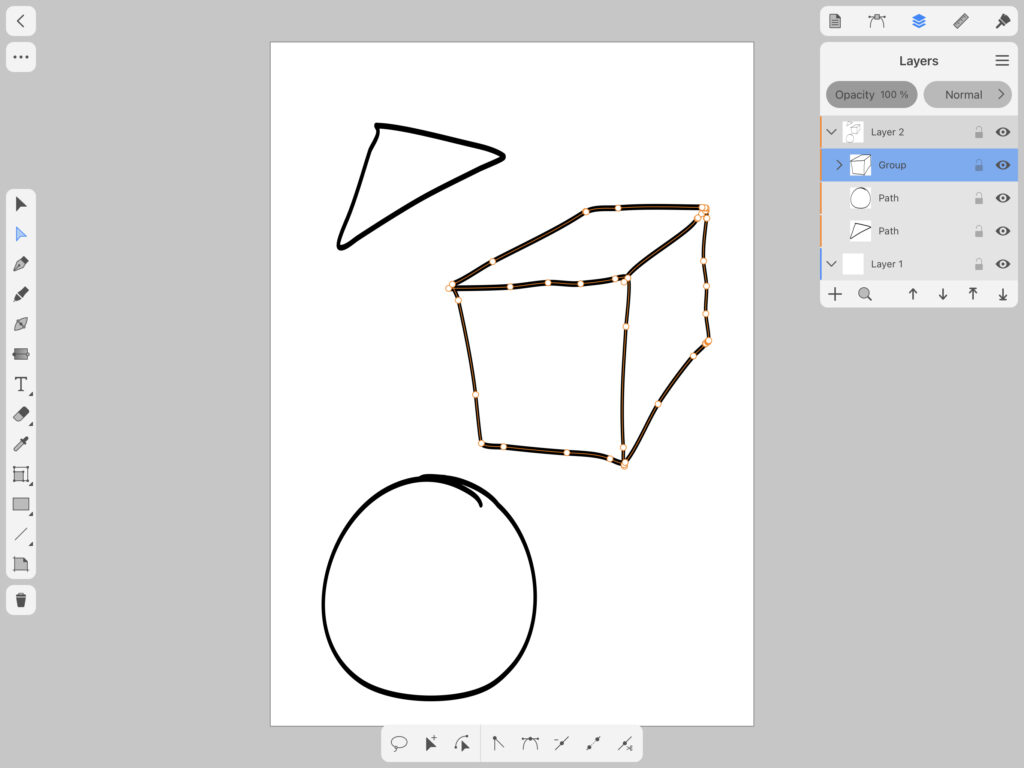
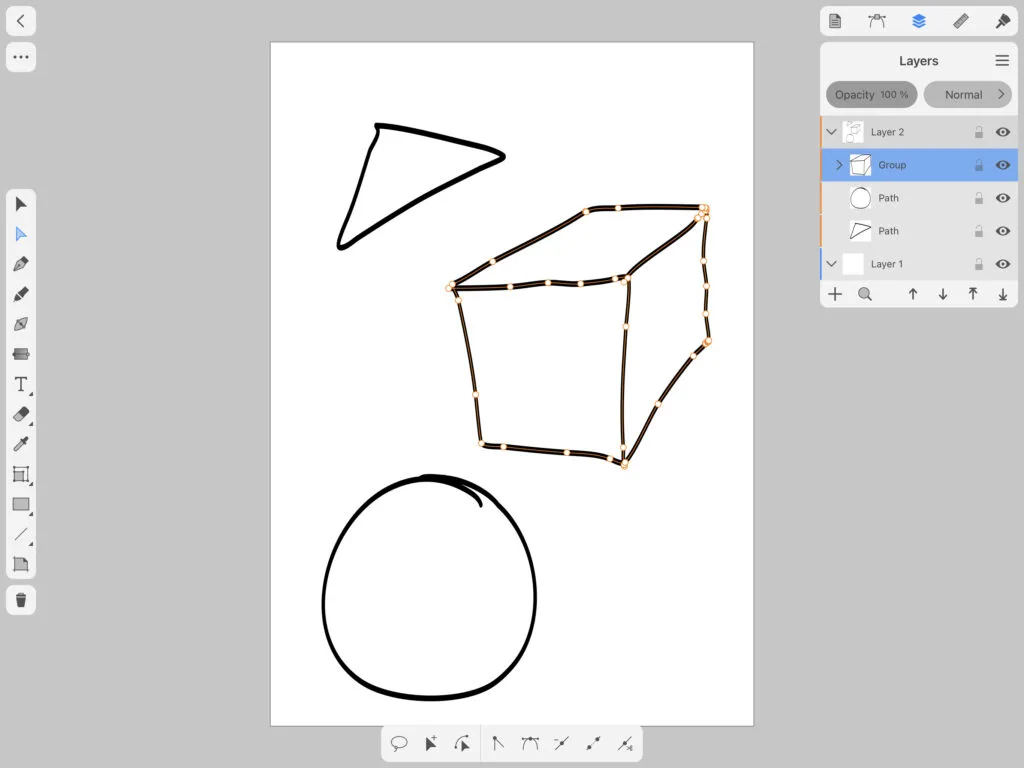
Amadine is a well-designed intuitive and free vector drawing app.
Whether you’re a graphic designer or someone blessed with a creative mind, or someone who wants to make artwork that doesn’t lose quality when you convert your art to different sizes, this is for you.
Features:
- Store multiple artworks in one document
- Create multiple layers and sublayers
- Multiple viewing options: grid and rulers, guides, outlines, pixel, and retina preview
- Create illustrations with responsive and natural brushes
- Create paths with the drawing tools
- More than 30 vector drawing tools
- Write text along path
- Combine, subtract, intersect, and exclude selected objects
- Many other features that are standard in other vector programs
For an absolute beginner, there is a learning curve but you can get by without reading any instructions.
If you’re overwhelmed with other vector drawing apps, then this user-friendly program may be perfect for you.
Brushes Redux
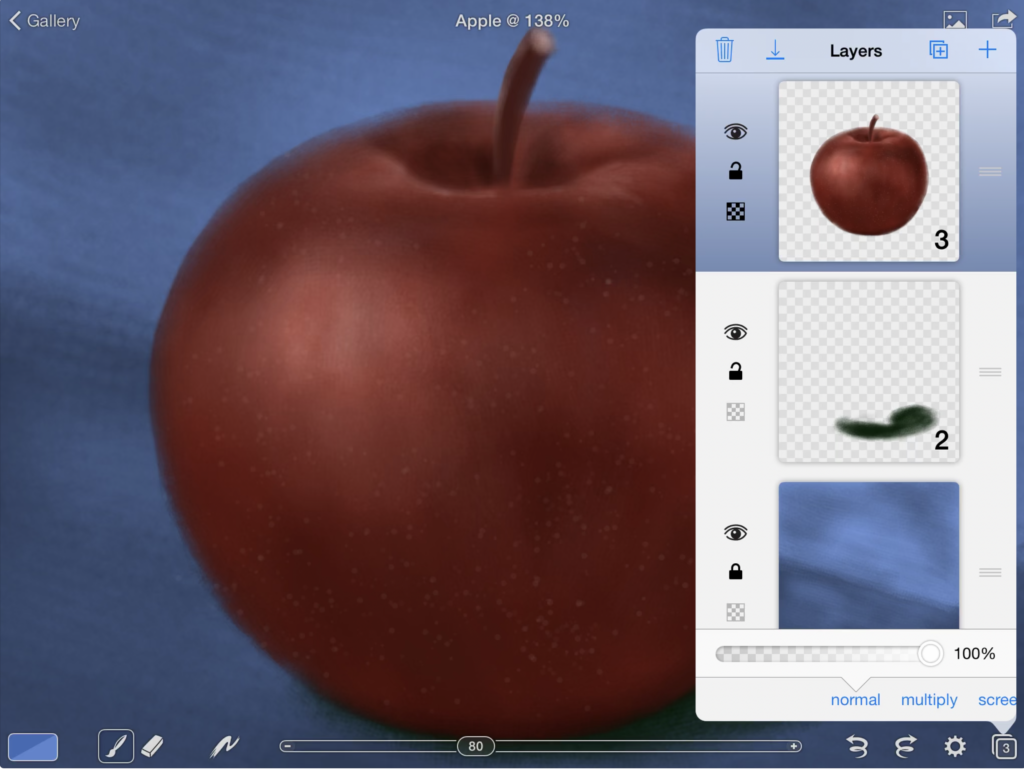
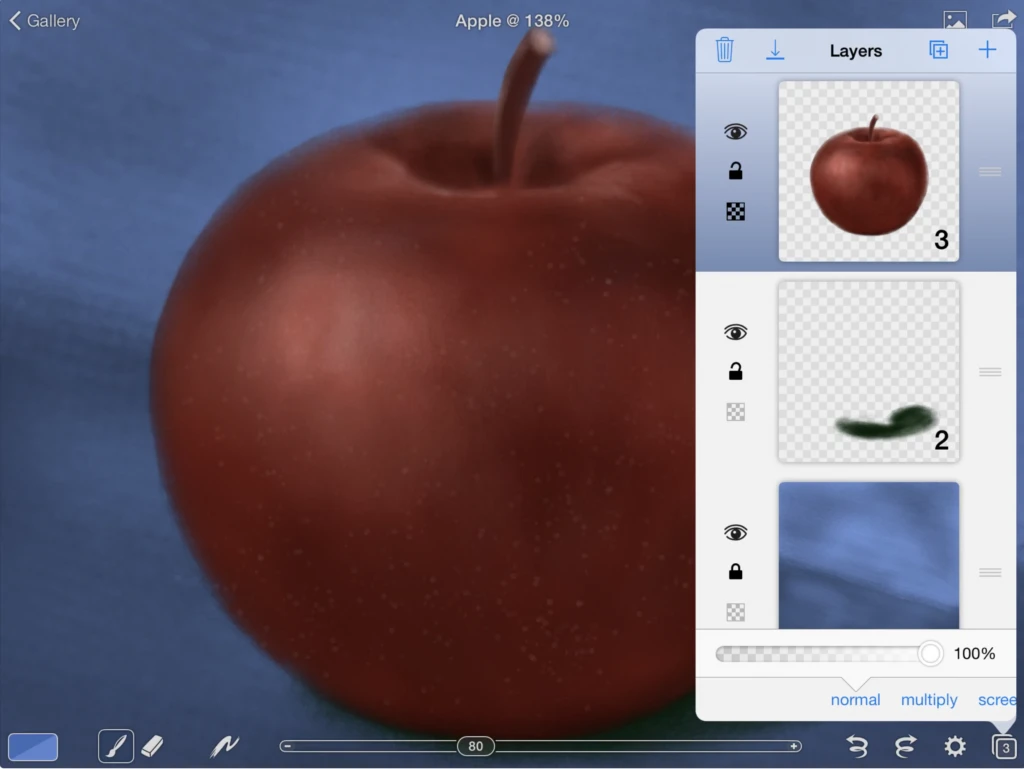
Unlike the brushes app, Brushes Redux is a free alternative.
The painting engine that is at the core of this program lets you paint in a smooth and responsive way, even when you paint with huge brushes.
It is a great painting app for iPad.
Features:
- Create paintings up to 4096 x 4096 resolution
- 512 x 512 huge brush sizes
- Adjust brushes
- Pick exact colors
- Full screen painting
- Record and replay paintings
- Work with multiple layers
- Normal, multiple, screen, exclude blend modes
- Import and export
- Background autosave
- Much more
With the ability to zoom in, customize your brushes, and pick the correct colors, you’ll find yourself creating hundreds of artworks in this digital painting app.
BimX
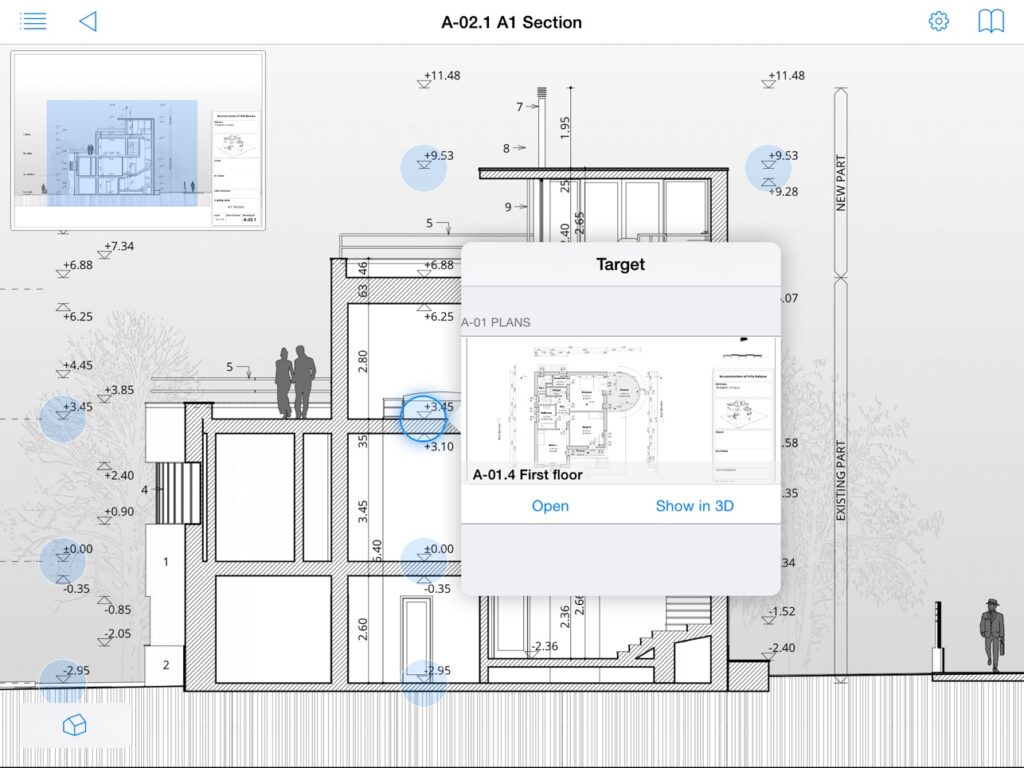
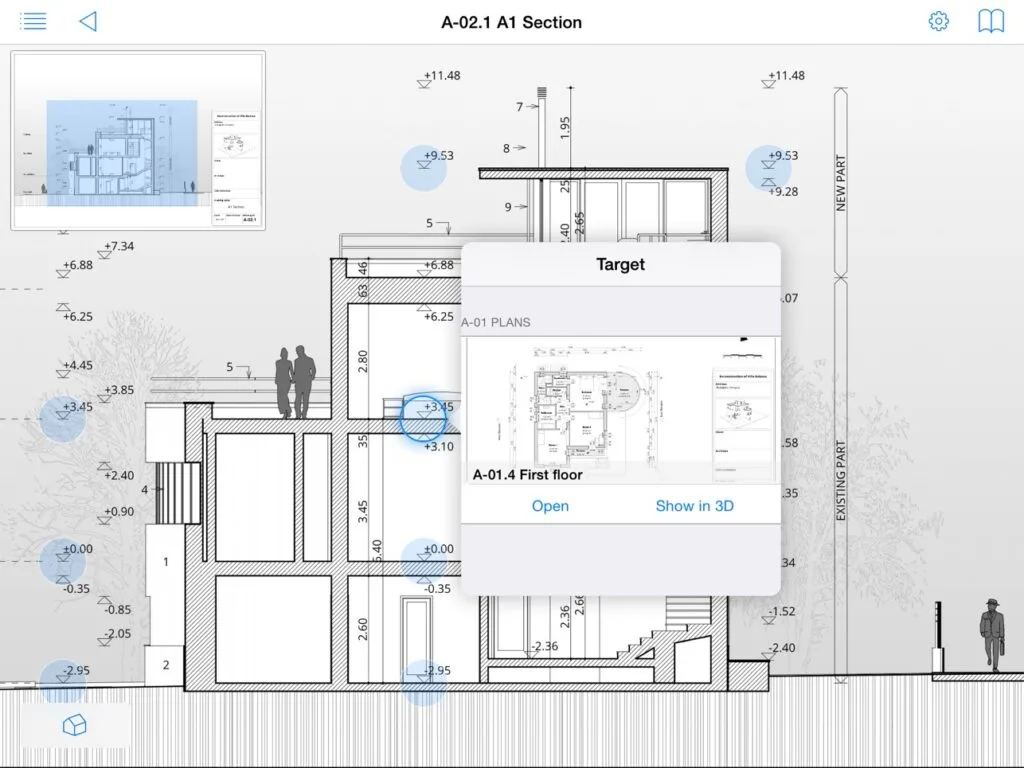
BimX is perfect if you want to create architectural drawings and share them with clients, contractors, or friends and family.
Make sure to use the basic BimX app, as the basic one is free.
This architect drawing app for iPad Pro will save you so much money and hassle from printing out plans.
Features:
- 2D documentation viewer
- Fly and Walk mode in 3D
- Measure on 2D drawings or in a 3D model
- Trace your 2D drawings in a 3D view
- Google Cardboard VR support in iphone
- Multitasking in split views
- Photo realistic mode
- More features with the PRO subscription
Concepts
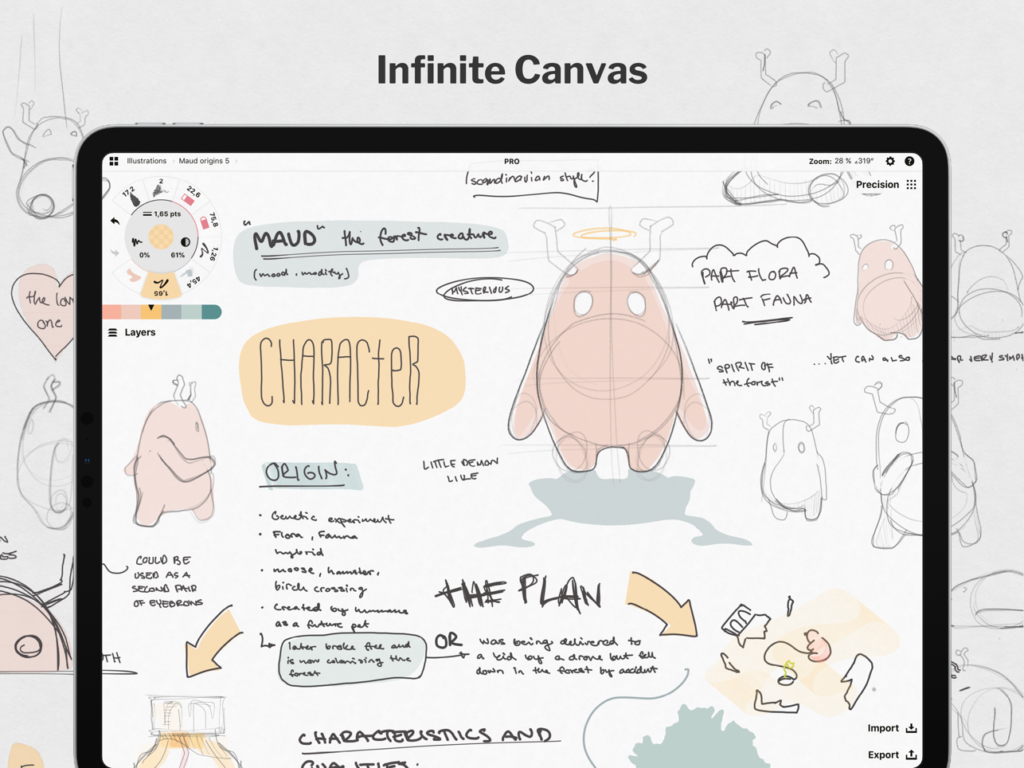
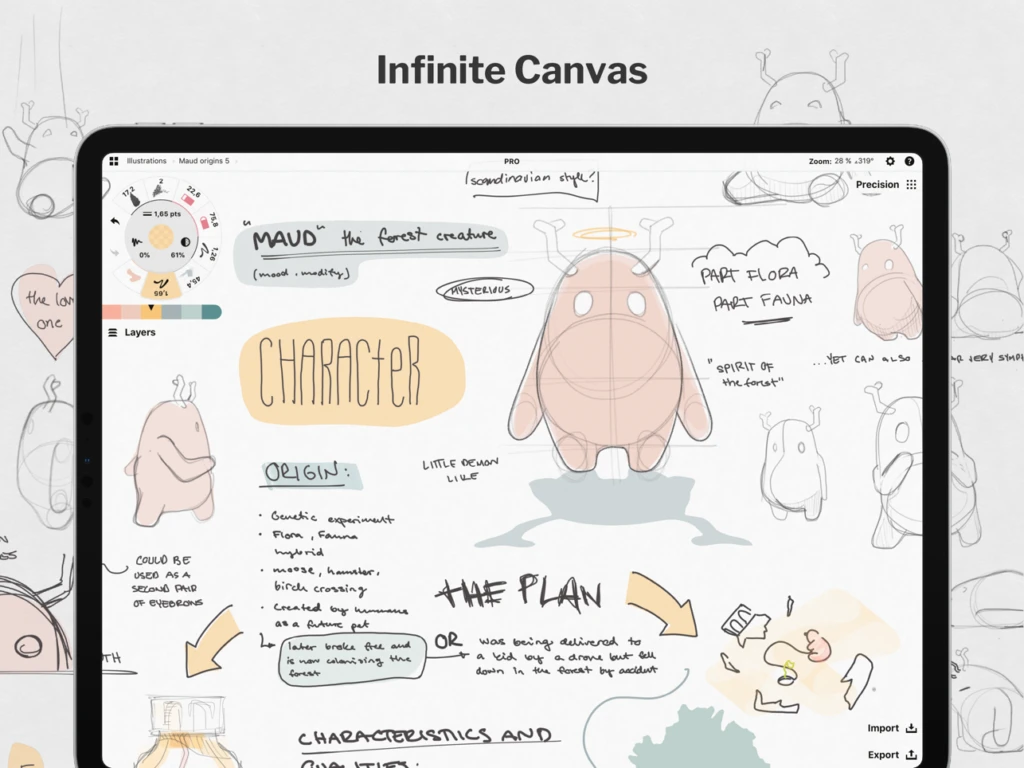
Concepts is a drawing app that is unique.
It’s more of a canvas on steroids that gives you the flexibility to think, plan, whiteboard thoughts, write ideas and notes, create product sketches, design plans, and then share them with the world!
It is used by professionals at Disney, Playstation, Apple, Google, and many others to transform concepts into reality.
Concepts’ highlight would definitely be the infinitely-sized canvas that allows you to endlessly whiteboard your thoughts or create detailed journey maps.
The infinite canvas could make Concepts the best sketching app for iPad.
How to Choose the Right Free Drawing App for iPad
Not sure which app to pick? Here’s a quick breakdown by use case:
Best free drawing apps for beginners
- Autodesk Sketchbook — Clean, distraction-free interface; fully free with no ads
- ibis Paint X — Great guided community and step-by-step tutorials; huge brush library
- Adobe Fresco — If you’ve used Photoshop before, Fresco will feel instantly familiar
Best free apps for illustration and painting
- Adobe Fresco — Live Brushes and Photoshop tools in one free package
- Infinite Painter — Natural media feel with perspective guides built in
- Heavy Paint — Focused, minimalist interface for expressive painting
- Tayasui Sketches — Beautiful tools that feel like real media
Best free apps for manga and comics
- ibis Paint X — Industry standard among manga artists; manga panels, screentones, speech bubbles
- MediBang Paint — Professional comic tools, 100% free, cloud sync included
- Clip Studio Paint — Not free (subscription), but the industry standard for professional manga
Best free apps for animation
- Folioscope — Simple flip-book style animation; fun and easy to start
Best free apps for vector design
- Linearity Curve — Fully free, professional-grade vector tools
- Concepts — Infinite canvas with flexible vector tools; free tier available
- Archisketch — Built for architecture and technical drawing
Conclusion
The iPad Pro was created with creativity as a general focus. Free drawing apps for iPad are a great way to kickstart your digital artist career.
This is why there are so many amazing drawings app available for free.
All you need is your imagination, creativity, and a stylus.
Before long, you will be creating digital masterpieces.
We suggest trying all of these best free drawing apps for iPad before paying for one.
They are all pretty amazing in their way.
Whether you want to improve your drawing ability or improve your digital painting, these apps are a great start to do so!
I love the simulated sounds of different drawing tools.
Something about the sounds makes it feel like you’re drawing on paper!
In addition to these free drawing apps, go to my Recommendations page where you will get exclusive tools that will help you create art no matter where you are and/or services that will help you grow your art business.
What’s your favorite drawing app?
Drawing Apps FAQ
Several apps are completely free with no subscription or in-app purchase required:
Sketchbook — 100% free since 2021; no subscription, no ads, no locked features
MediBang Paint — Fully free including all panel and manga tools; optional donation
Adobe Fresco — Completely free since 2024 (free Adobe account required)
Linearity Curve — Free vector drawing app with no subscription
ibis Paint X — Free with ads; no subscription required to access any drawing feature
Most other apps on this list offer free tiers that limit brushes, canvas size, or export options.
Adobe Fresco, ibis Paint X, MediBang Paint, Autodesk Sketchbook, and Infinite Painter all support full Apple Pencil Pro features — including pressure sensitivity, tilt detection, barrel roll, and the squeeze gesture.
Yes. ibis Paint X is free to download and use — all 10,000+ brushes and drawing tools are included. The free version displays ads between sessions. A paid plan ($8.99/month or a one-time purchase) removes ads, but the free version is fully functional for most artists.
Sketchbook is the best starting point — it’s 100% free, has a clean and uncluttered interface, and there’s a large library of tutorials available on YouTube. For beginners interested in anime or manga, ibis Paint X has an active community and many guided tutorials built into the app.
No. Adobe Fresco went completely free in 2024. You need to create a free Adobe account (no credit card required), but there is no paid Creative Cloud subscription needed to access any feature in the app.
Both apps were discontinued by Adobe in 2021 and are no longer available on the App Store. Their features were merged into Adobe Fresco, which is now Adobe’s main free drawing app for iPad.
No — Procreate is a one-time purchase of $12.99. There’s no free version or trial. If you’re looking for a free alternative with a similar feel, Adobe Fresco is now completely free (no subscription) and is the closest comparison for most users.
rex asensi
Friday 2nd of July 2021
Hi sir Jae johns do you have Filipino blood I'm from Phils I don't know how to live w/o an income I'm new in this kind of field I know how to draw figure female anatomy I just join as a member of the artist in fine art America I don't have a Paypal yet if hopefully, a customer will buy my artwork can you pls help me and discuss the things the do's and don't I will very much appreciate your help, God bless you
Jae Johns
Thursday 8th of July 2021
Send me an email, and I can help you through there.