
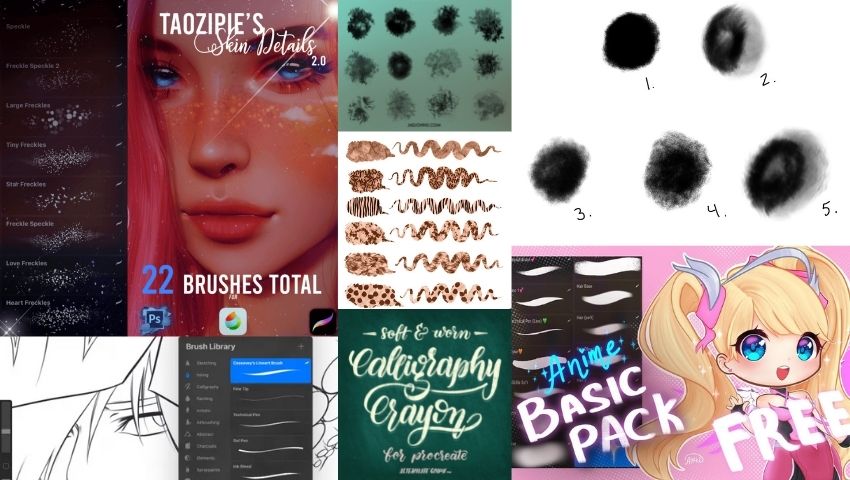
Free Procreate brushes are a great way to expand your digital art toolkit without spending money. Whether you’re sketching characters, painting environments, or creating detailed illustrations, the right brush can dramatically improve your workflow.
Below you’ll find a collection of free Procreate brushes along with tips on downloading, installing, and choosing the best brushes for your art style.
Instantly download these and let your creativity go wild!
🏆 Editor’s Pick: Procreate Watercolor Brush Set + Canvas Template by Jae Johns

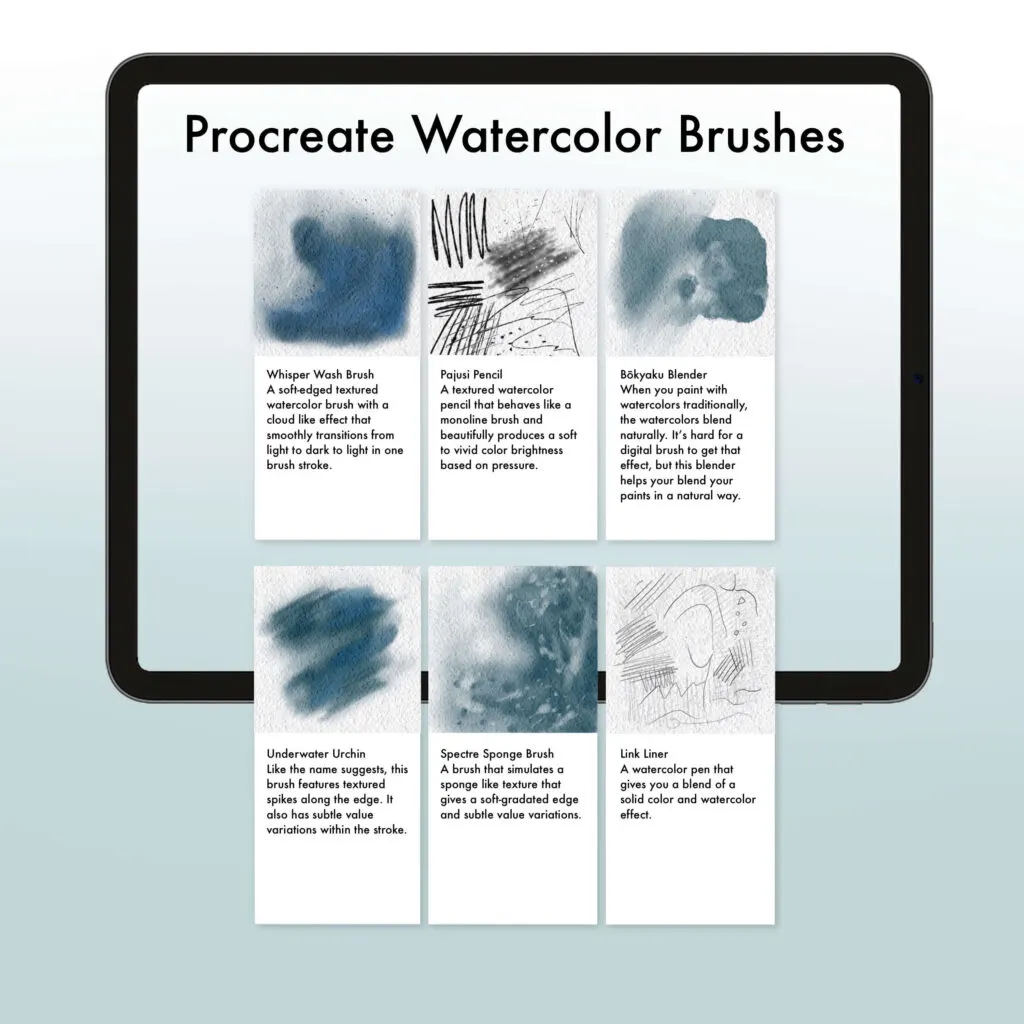
If you’re serious about achieving real watercolor results in Procreate, this is the set to grab. Jae Johns’ bundle comes with 14 carefully crafted brushes designed to be approachable for beginners while still delivering professional results.
What sets it apart from a typical brush pack is everything that comes with it — a dedicated canvas template, 5 watercolor paper textures for instant realism, and 9 premade color palettes so you’re never stuck staring at the color wheel.
There’s even a brush guide and step-by-step video tutorials, so you’ll actually know how to use every single brush. It’s less of a brush pack and more of a complete watercolor toolkit.
Best Free Procreate Sketching Brushes
34 Realistic Pencil Brushes for Procreate
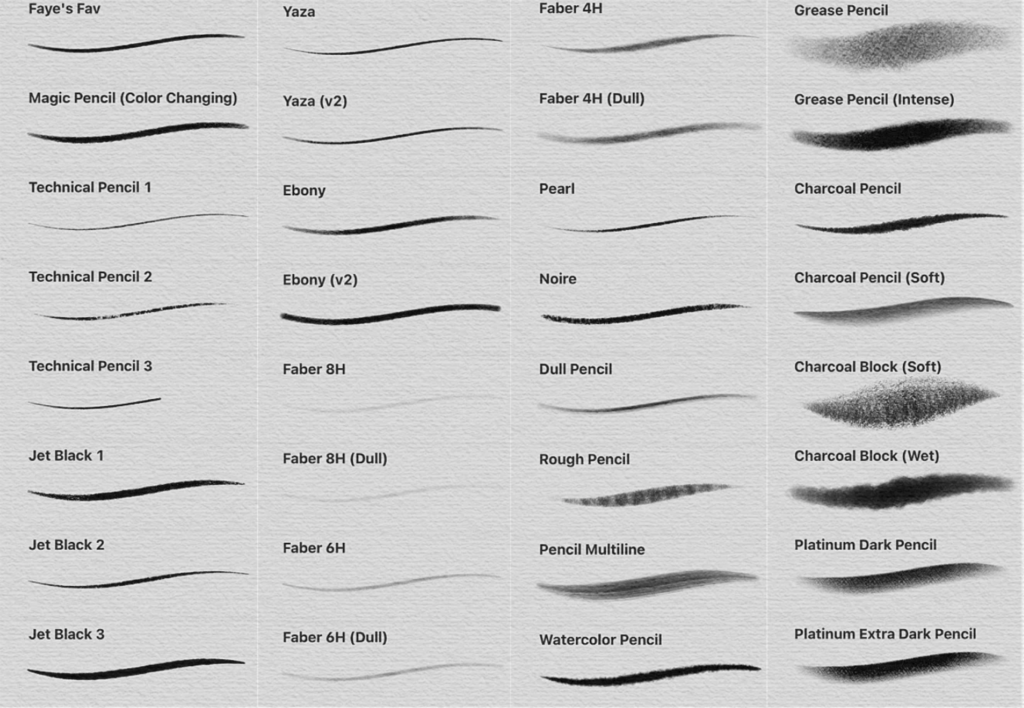
It’s a digital brush pack for Procreate, designed for sketching and digital art, featuring 34 brushes that mimic the look and feel of realistic pencils.
Free Procreate Soft Brush Set in Anime Style (Painting and Sketching Brushes)
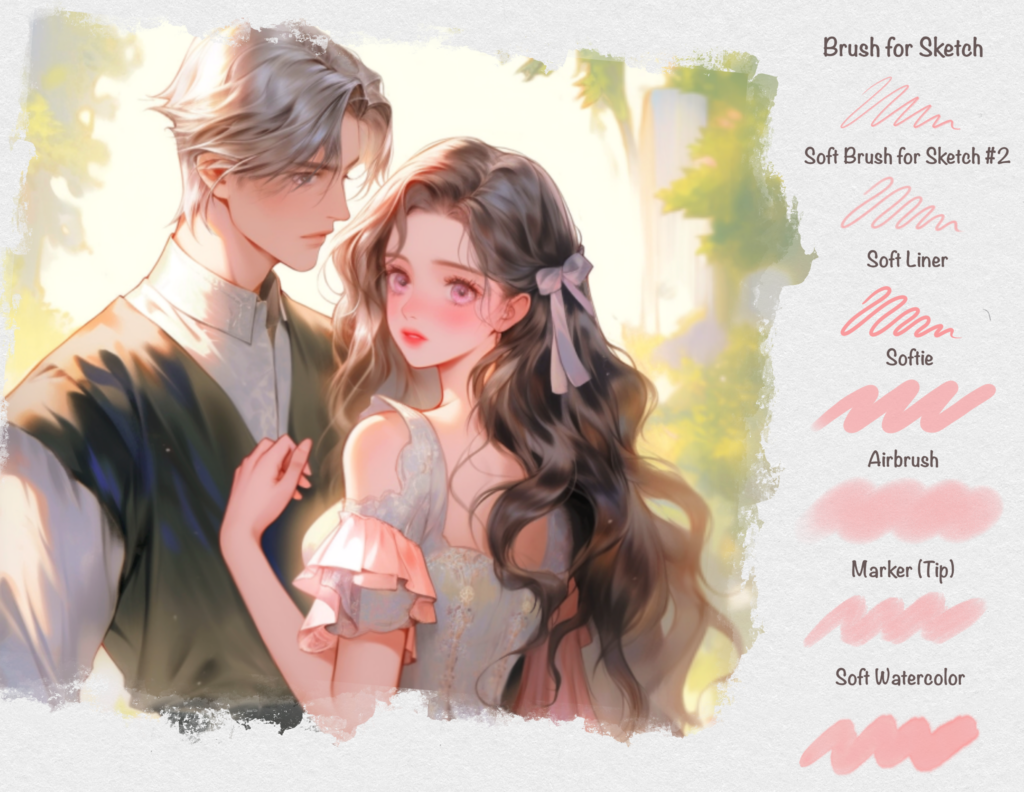
A free digital download offering soft brushes for Procreate designed for anime-style artwork, covering both painting and sketching use cases.
The Sketchbook Experience FREE Mini Set for Procreate
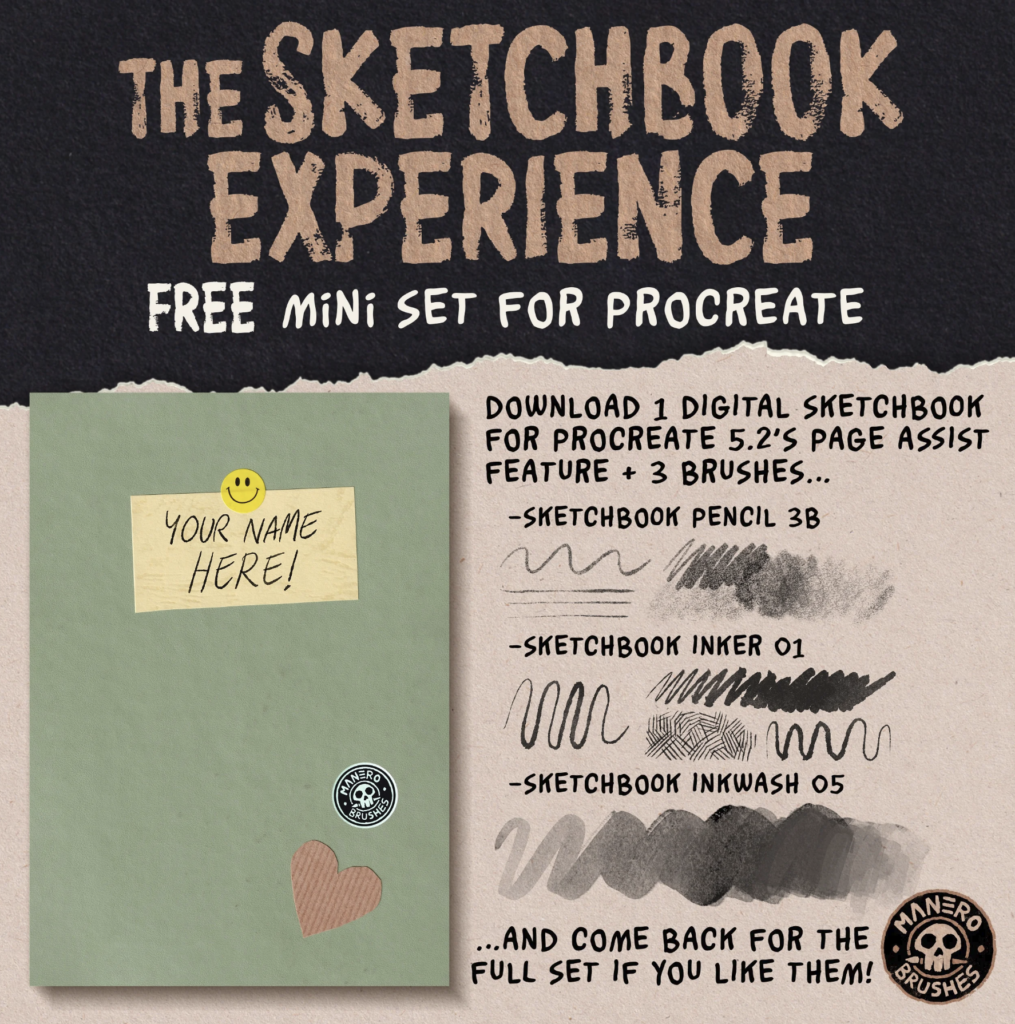
A free downloadable resource for the iPad drawing app Procreate, likely a sample brush pack or mini toolkit from a larger “Sketchbook Experience” product.
Intense Blended Charcoal Brush

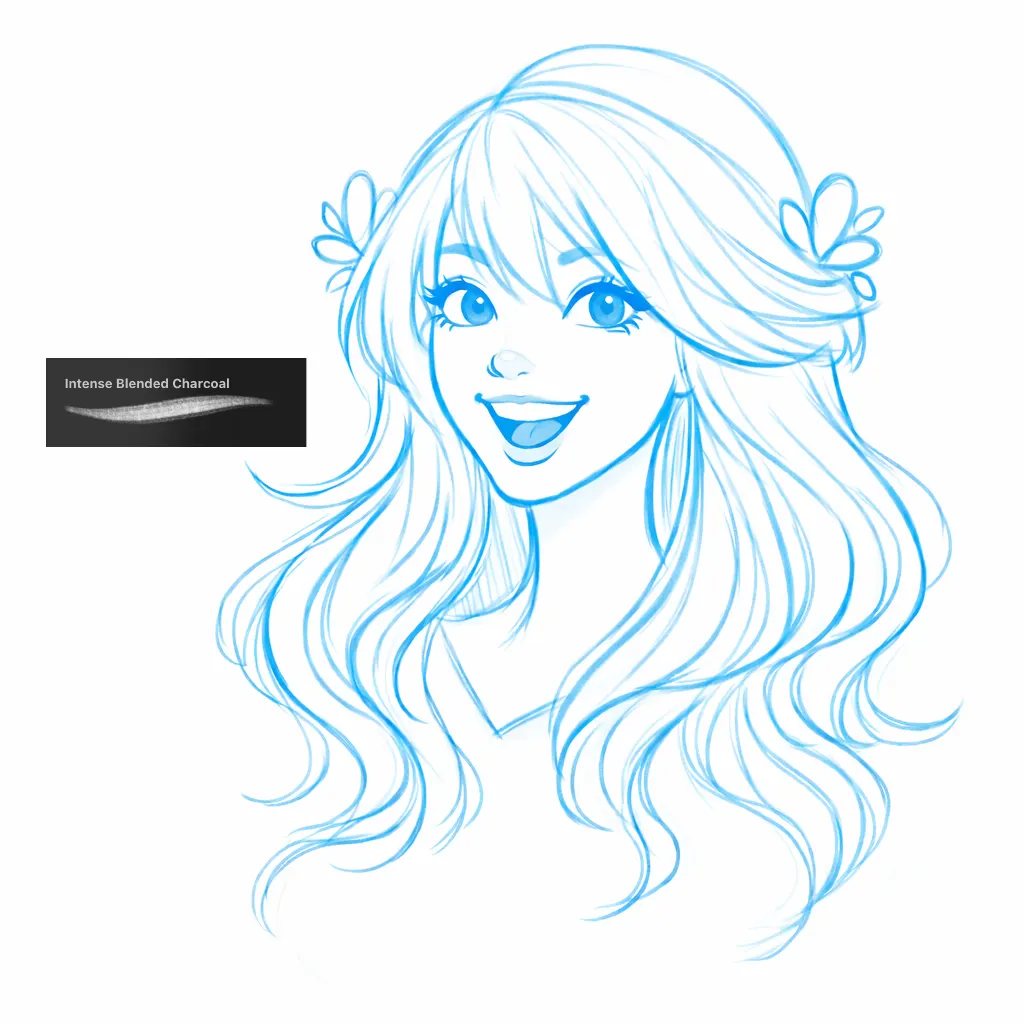
A charcoal brush great for sketching.
Soft Pastel Smudge Brush

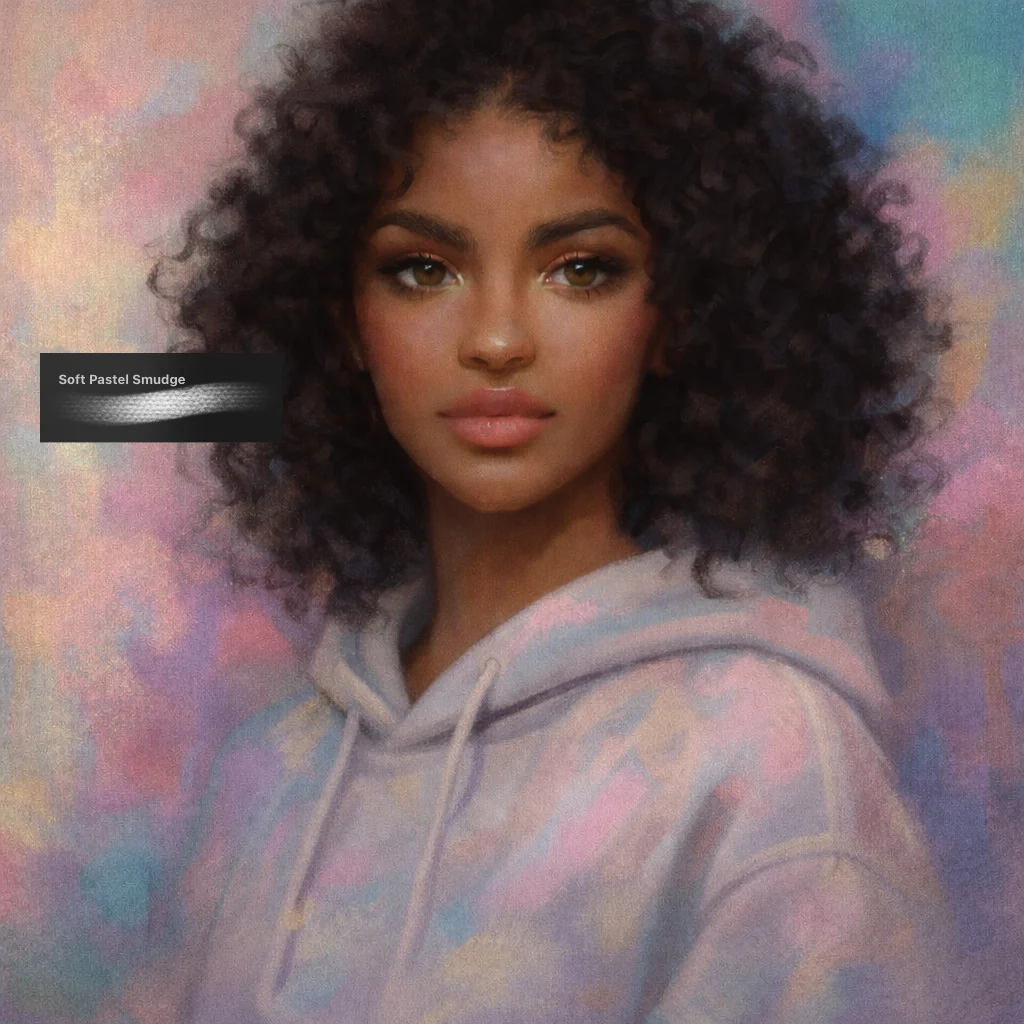
Get amazing pastel quality with this brush. I recommend using soft colors to get more of a pastel vibe.
6B Pencil Brush

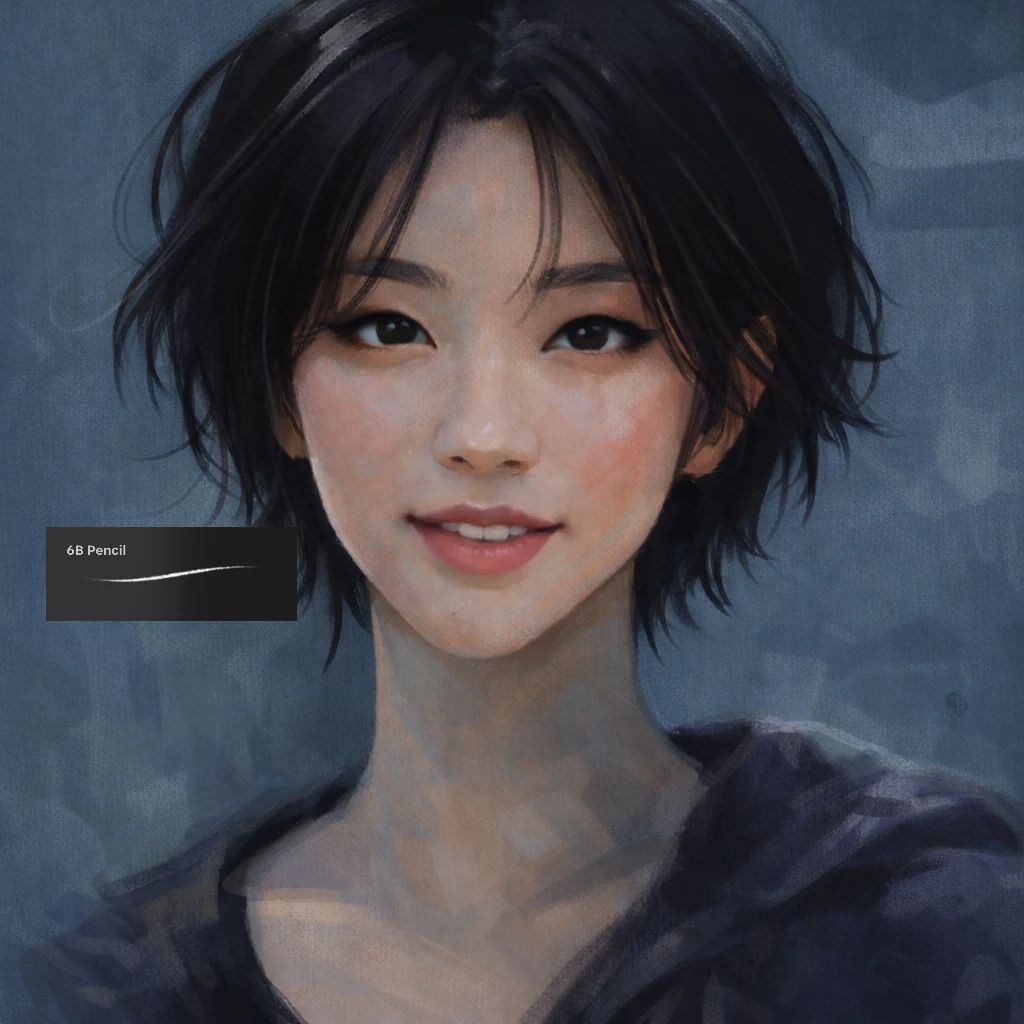
One of my go to brushes for sketching in Procreate. Has a realistic pencil texture and great for drawing light and dark pencil strokes.
Best Free Procreate Watercolor Brushes
48 Wet Media Brushes for Procreate Vol. 1 by Matt B
A digital brush pack of 48 watercolor brushes for the iPad illustration app Procreate, by an artist named Matthew Baldwin.
Aqua Splash Watercolor Brush Set
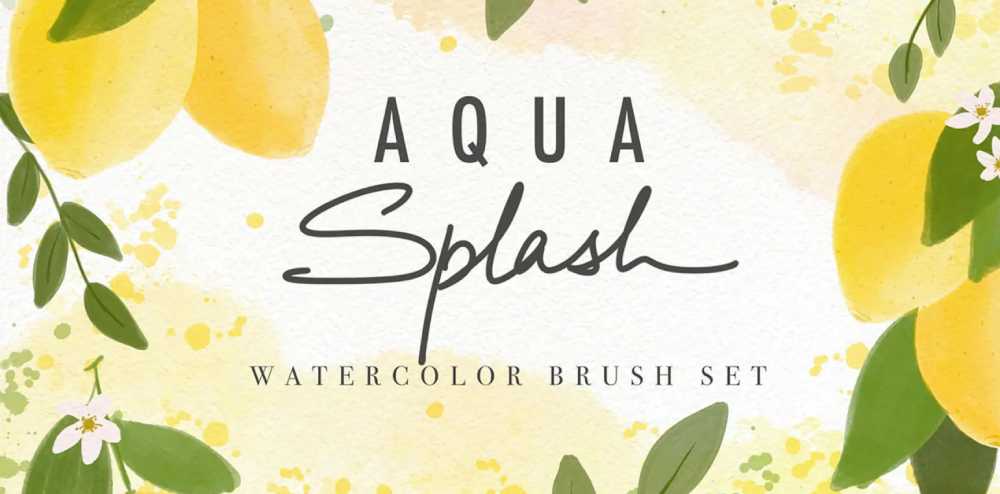
A collection of 10 free Procreate brushes made by Paperlike in collaboration with freelance illustrator Disha Sharma (@markdisha).
The brushes were built from real watercolor paint splashes and splotches, designed to bring realistic watercolor textures, washes, and effects into digital artwork — great for painting fruits, botanicals, and portraits.
Best Free Procreate Inking & Lineart Brushes
Free 30 Ink Brushes for Procreate by Stas
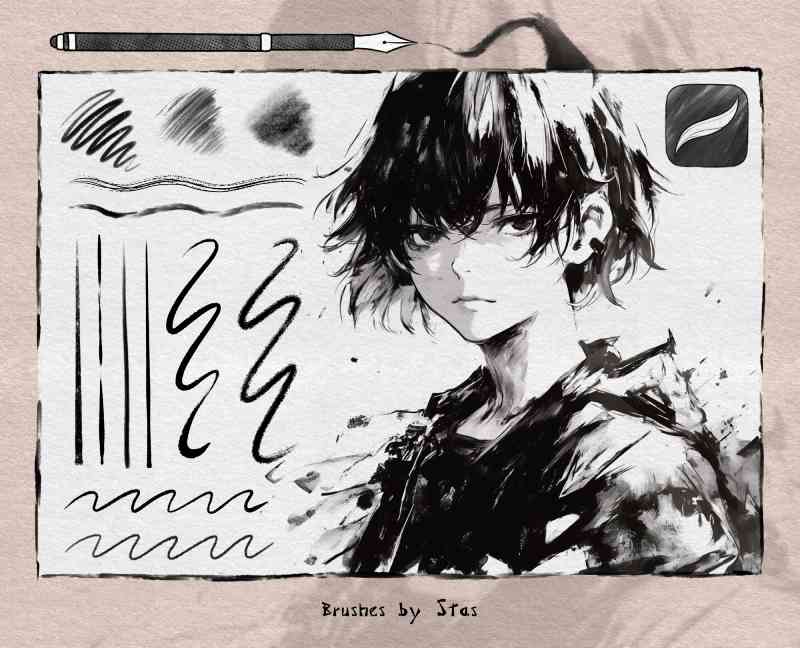
This is a free brush set for the Procreate app containing 30 brushes. The collection includes alcohol markers, real ink brushes, paper textures, splatter brushes, sketch pencils, and pens.
It’s designed to be versatile — suitable for creating backgrounds, illustrating comics or manga, calligraphy, anime art, and more. Along with the brushes, you also receive an instructional image explaining how to correctly apply paper textures to your artwork.
It’s a free sampler, with an upsell to a larger paid pack: if you want more, a full set of 100+ brushes is available for purchase, and there’s also a larger bundle where new sets are added for free and commercial use is permitted.
Manga Ink Brush
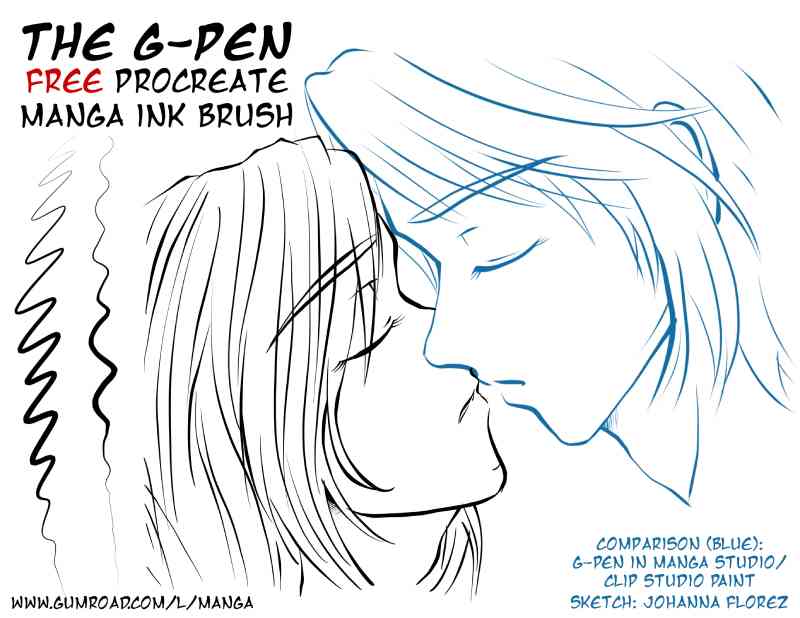
The G-Pen is a classic tool in manga art, known for producing clean, precise lines with variable line weight, making it popular for inking comic and manga-style illustrations. This appears to be a free digital download of that brush style adapted for use in the Procreate app on iPad.
Best Free Procreate Texture & Grain Brushes
Hyde’s Procreate Texture Brushes
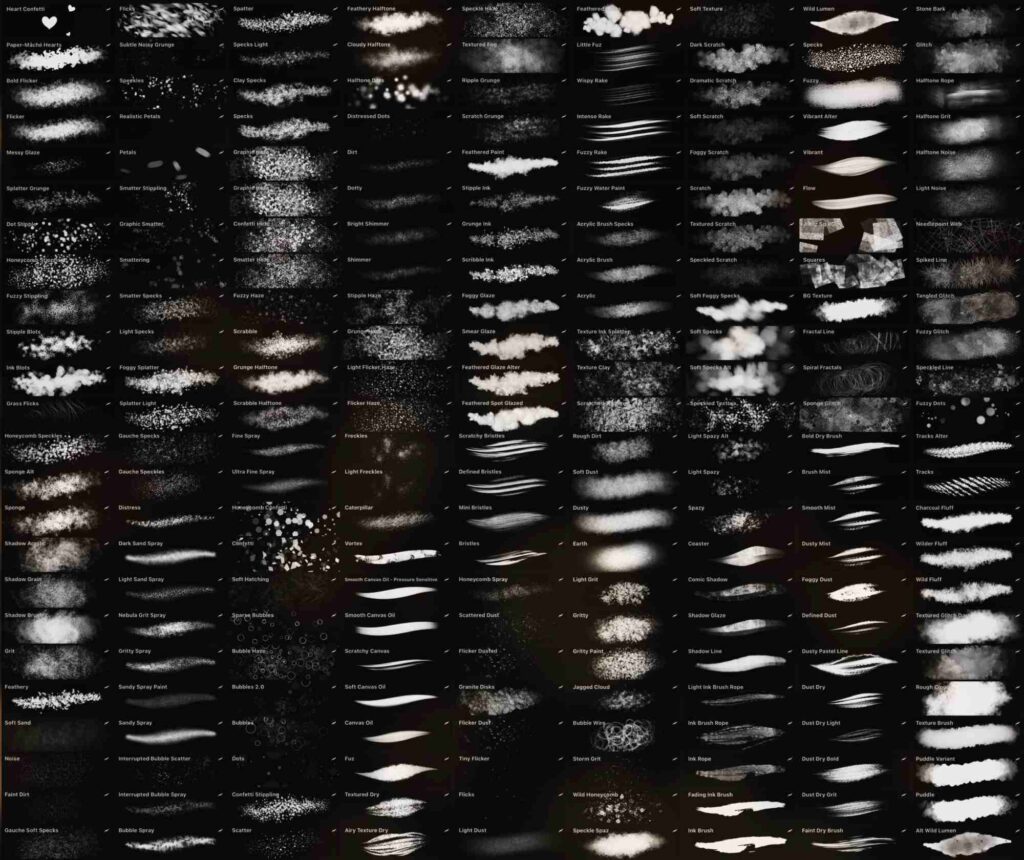
Assorted Procreate texture brushes that includes sand, noise, hatching, stippling, and splatter.
Wild Textures FREE Mini Brush Set for Procreate
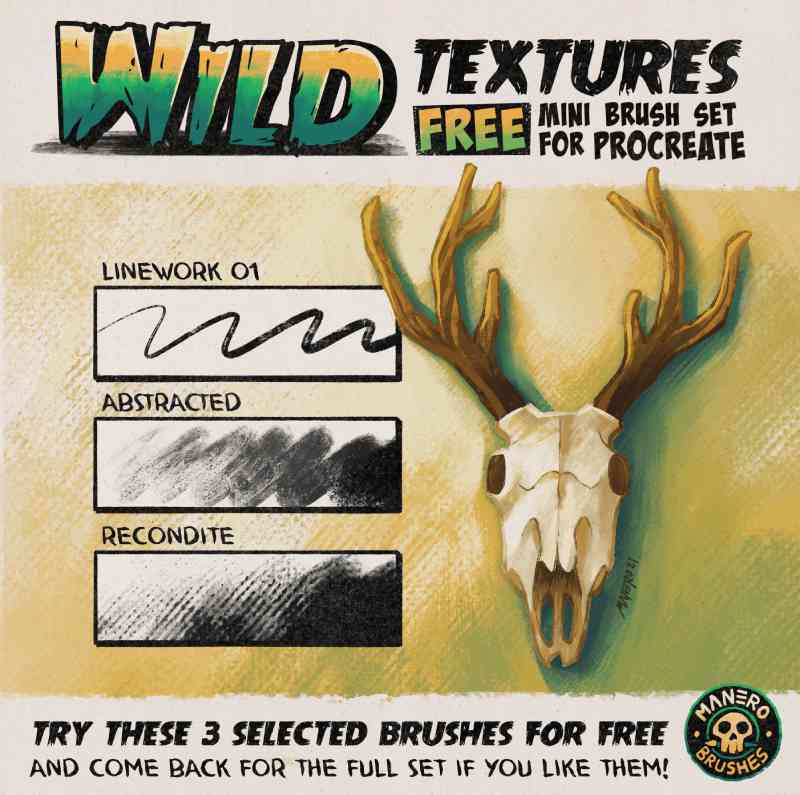
This is a free sample from the Wild Textures brush set for Procreate. It includes 3 brushes: a linework brush for sketching and 2 painterly texture brushes. The full paid set offers more brushes suited for concept art, illustration, and children’s books.
Best Free Procreate Lettering Brushes
Calligraphy Crayon Brushes

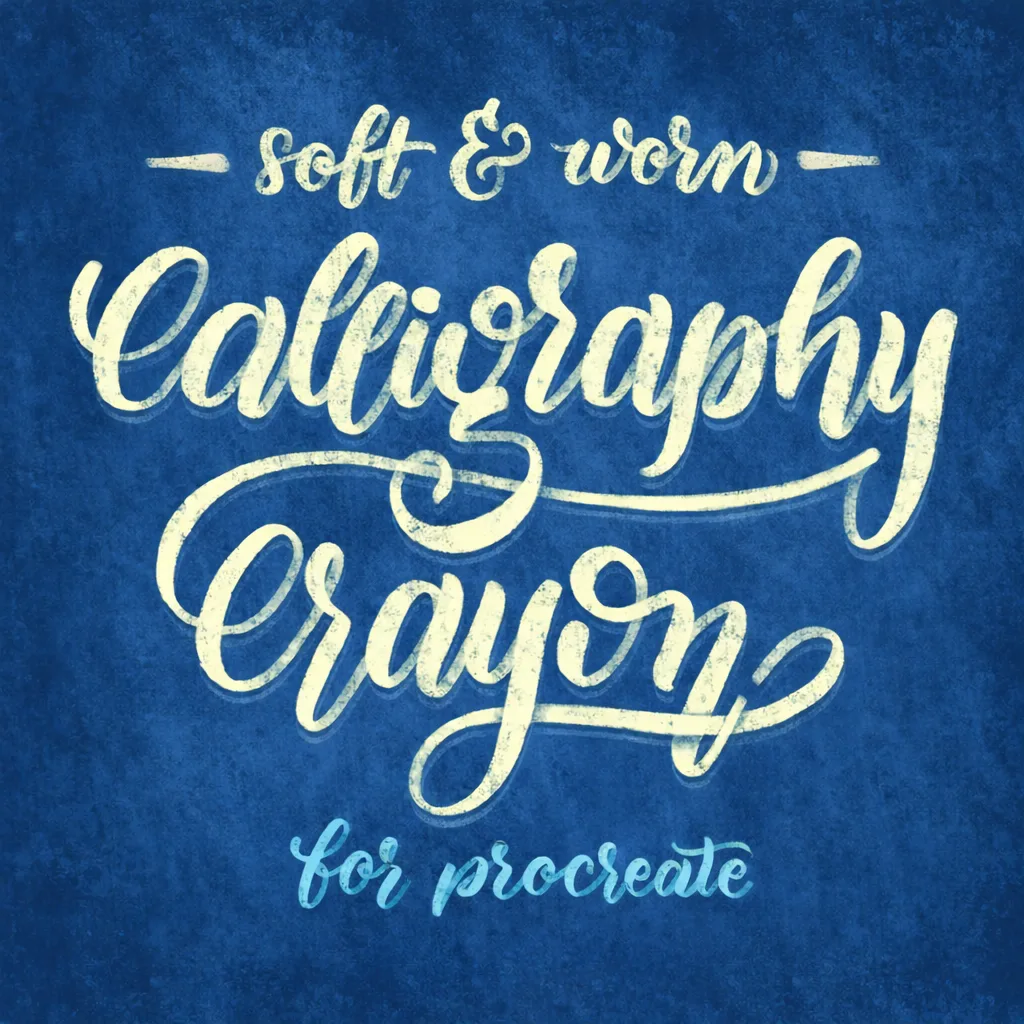
It’s a soft, textured calligraphic brush designed for the Procreate app and Apple Pencil. It was created to pair well with Procreate’s default Artists Crayon brush, allowing users to add textured calligraphy alongside illustrations. It features a hand-drawn tip shape, making it unique.
Key tips for using it:
- The brush tip follows the direction of the pencil, so you should hold the pencil perpendicular to your strokes.
- The grain stays oriented to the original canvas regardless of how you rotate the pencil, for the most realistic paper grain effect.
- You can experiment with opacity sliders and streamline settings for different styles.
Best Free Procreate Stamp Brushes
Handcrafted Floral Procreate Stamps
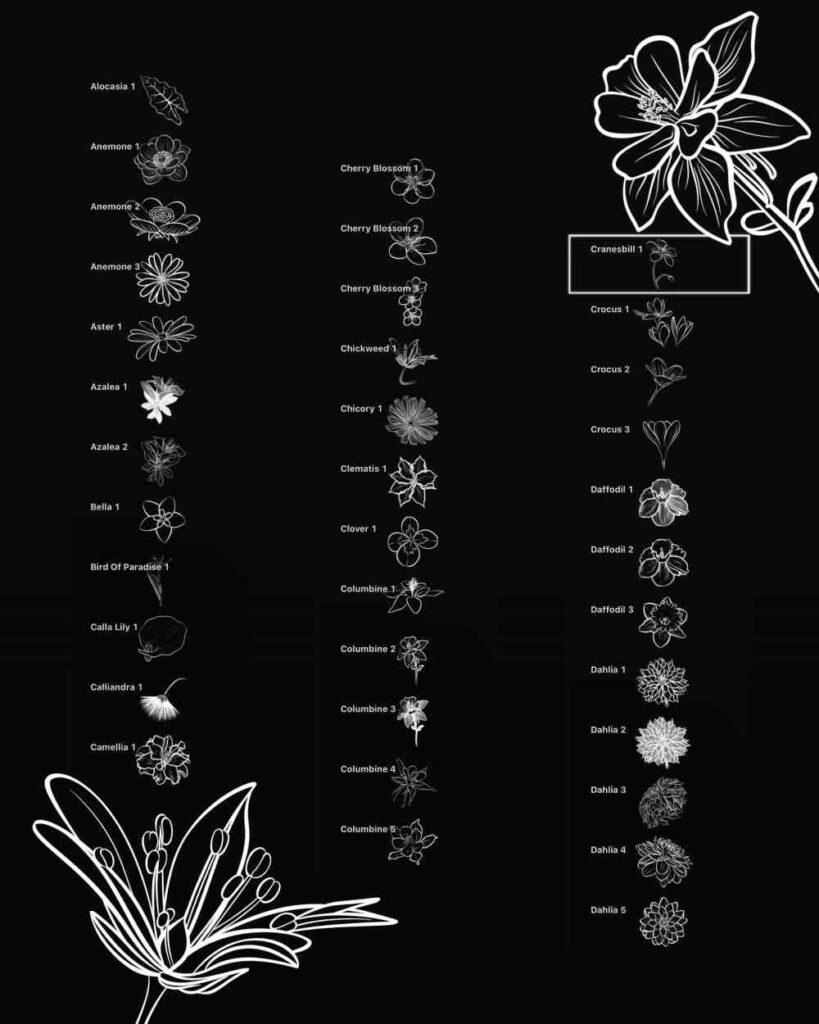
A set of handcrafted floral Procreate stamps featuring various flowers and leaves (roses, lilies, orchids, dahlias, and more). It comes in a free or paid Pro version — make sure to select the Pro version before entering a price if that’s what you want.
Foliage & Grass Stamp Brush
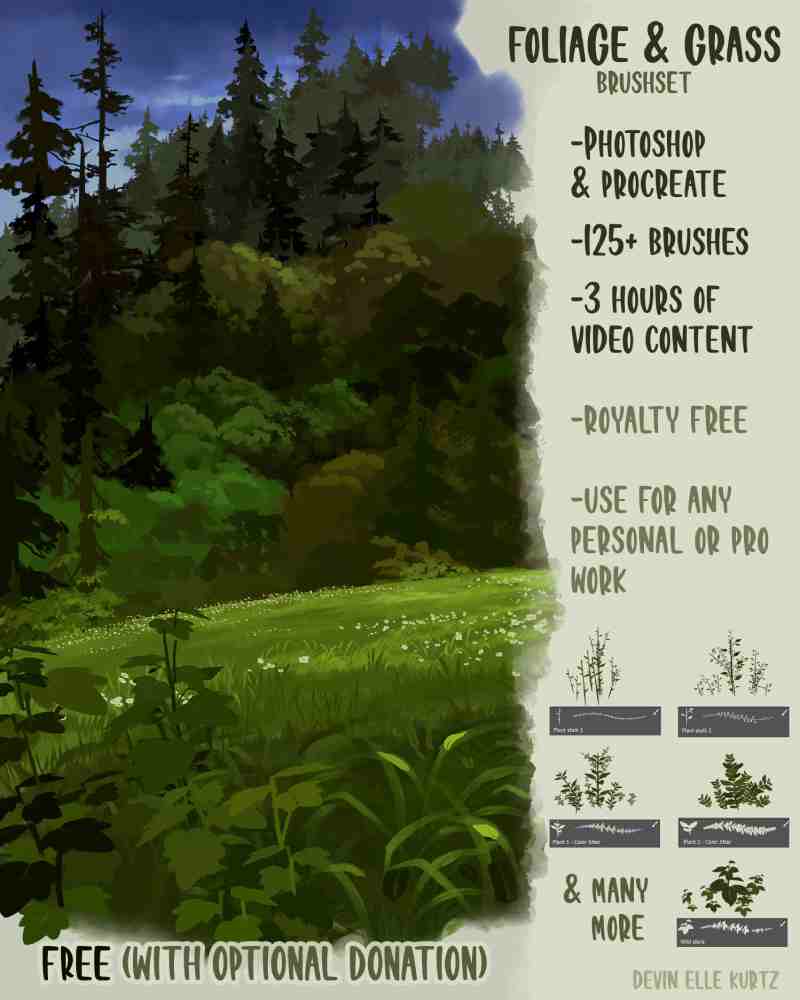
Digital brush set compatible with both Photoshop and Procreate, designed for painting foliage and grass in digital art.
How to Install Free Procreate Brushes
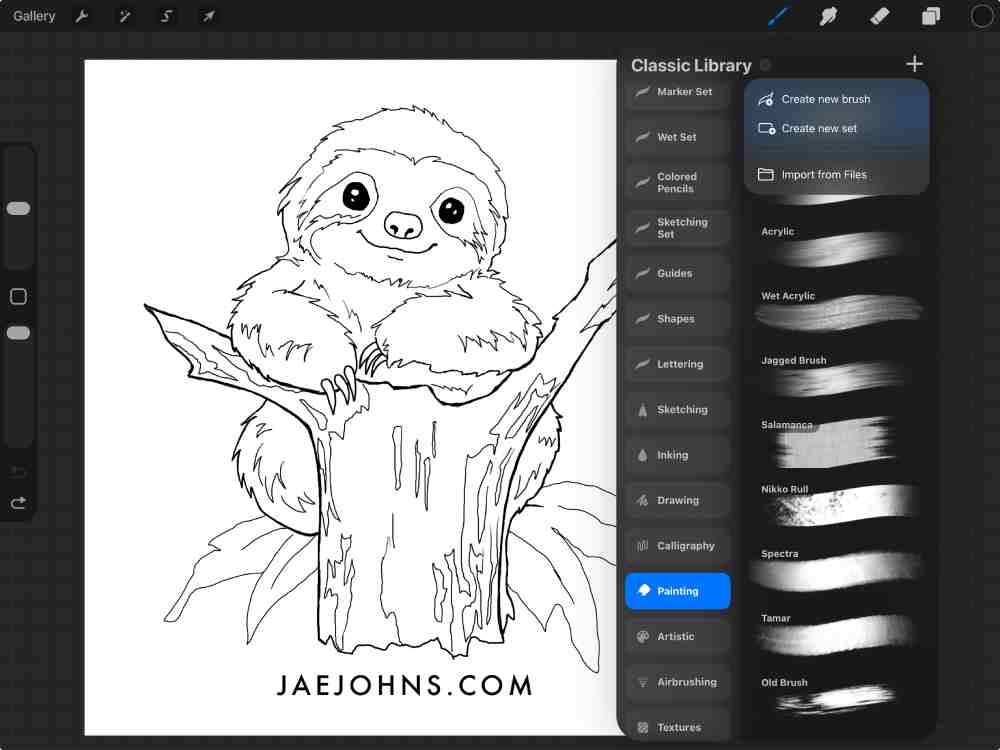
Getting your new brushes into Procreate is easier than you might think. Here’s exactly how to do it:
1. Download the .brush or .brushset file
Tap the download link on whatever site you’re using. Most free brushes come as either a single .brush file (one brush) or a .brushset file (a collection of multiple brushes). Save it to your iPad’s Files app, or open it directly if your browser prompts you to.
2. Open the file on your iPad
You have two easy ways to import:
- Tap to import: If you’re downloading directly in Safari, tap the file and your iPad should prompt you to open it in Procreate. Tap “Open in Procreate” and it’ll import automatically.
- Via the Files app: If the file is already saved to your device, open the Files app, locate the .brush or .brushset file, and tap it. Procreate will launch and import it instantly.
3. Find it in your Brush Library
Once imported, open Procreate and tap the brush icon in the top-right toolbar. Newly imported brushes land at the top of your Brush Library, either as a new set (for .brushset files) or inside an “Imported” folder (for individual .brush files). Scroll up if you don’t see them right away.
4. Organize into sets
Keep your library tidy by creating custom brush sets:
- Tap the “+” in the top-right of the Brush Library to create a new set.
- Long-press any brush and tap “Move” to place it in your new set.
- You can also drag and drop brushes between sets by holding and dragging them.
Rename your sets by tapping the set name — great for organizing by style, project, or artist.
Free Procreate Brushes FAQ
Generally yes, but it depends on the source. Procreate brush files (.brush/.brushset) can’t contain viruses in the traditional sense, but it’s still good practice to download only from trusted creators.
A .brush file is a single individual brush, while a .brushset file is a collection/pack of multiple brushes grouped together. When you import a .brushset, it creates a whole new brush group in your Procreate library at once, which is handy for organized packs. Both are imported the same way — just tap the file and Procreate handles the rest.
Most do, but it depends on the Procreate version required. Brushes made with newer Procreate features (like certain dynamics or wet mix properties) may not function correctly on older versions of the app. Check the brush creator’s requirements. As long as your Procreate app is reasonably up to date, the vast majority of free brushes will work fine.
It depends entirely on the license the creator chose. Many free brushes are offered for both personal and commercial use, but some are restricted to personal use only. Always check the license terms on the download page. If it’s unclear, reach out to the creator directly before using their brushes in paid or client work.
Honestly, far fewer than you think! Most professional illustrators rely on a core set of 5–15 brushes regularly. It’s easy to fall into “brush hoarding,” but having hundreds rarely improves your work. Focus on mastering a small set that suits your style — a good pencil, an inking brush, a blending brush, and a few texture brushes will cover most needs.
Jen
Tuesday 4th of October 2022
Thank you so much, perfect for me as a starter
Jae Johns
Friday 7th of October 2022
You're welcome
Reem
Saturday 12th of March 2022
I want it
Uniqil
Thursday 28th of October 2021
Thanks a lot for these treats!
Jae Johns
Thursday 28th of October 2021
You're welcome
Haya
Wednesday 9th of June 2021
👍🏻
Leon C
Saturday 22nd of May 2021
I want it too, thank you so much